




- sales/support
Google Chat:---
- sales
+86-0755-88291180
- sales01
sales@spotpear.com
- sales02
dragon_manager@163.com
- support
tech-support@spotpear.com
- CEO-Complaints
zhoujie@spotpear.com
- Only Tech-Support
WhatsApp:13246739196
- Purchase/Shipping/Refund
WhatsApp:13424403025
- HOME
- >
- ARTICLES
- >
- Common Moudle
- >
- Camera
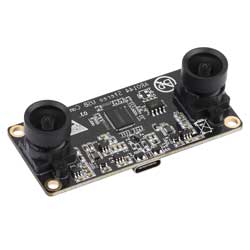
AR0144 Stereo USB Camera (A) User Guide
Specifications
- Pixels: 1MP
- Sensor chip: AR0144
- DSP: Auto gain/exposure/white balance
- Camera:
- CCD size: 1/4inch
- Aperture (F): 2.2
- Focal length (EFL): 2.88mm
- Field of View (FOV): 74°(D) 65°(H) 43°(V)
- Distortion: < 0.2%
- Focus mode: Fixed focus
- Interface type: USB2.0
- Image:
- Supported image formats: MJPG, YUY2
- Static image resolution: 2560 × 720
- Video recording (MJPG):
- 60FPS 2560×720
- 60FPS 1600×600
- 60FPS 1280×480
- 120FPS 1280×360
- 60FPS 1280×712
- 60FPS 1280 x 720
- 60FPS 800×600
- 60FPS 640×480
- Video recording (YUY2):
- 5FPS 2560×720
- 10FPS 1600×600
- 15FPS 1280×480
- 20FPS 1280×360
- 10FPS 1280×712
- 10FPS 1280 x 720
- 20FPS 800×600
- 30FPS 640×480
- Operating voltage: 5V ± 5%
- Operating temperature: 0°C ~ 50°C
- Dimensions: 30.00 × 66.00 × 17.72 (mm)
- Supported systems: Windows, Linux, macOS
Working with Windows PC
Test Software
Currently, a camera app is generally pre-installed on most Windows 10 systems. You can simply open this built-in Windows camera app to perform testing.
If you are using Windows 7 or cannot find the camera app in the system, you can download and install the AMCAP test software provided by us from Resources->Software.
Test Steps
- Window camera software
- Search for "Camera" to open the software
- Click the gear icon in the upper left corner to open the settings interface, where you can set the resolution for taking pictures or videos
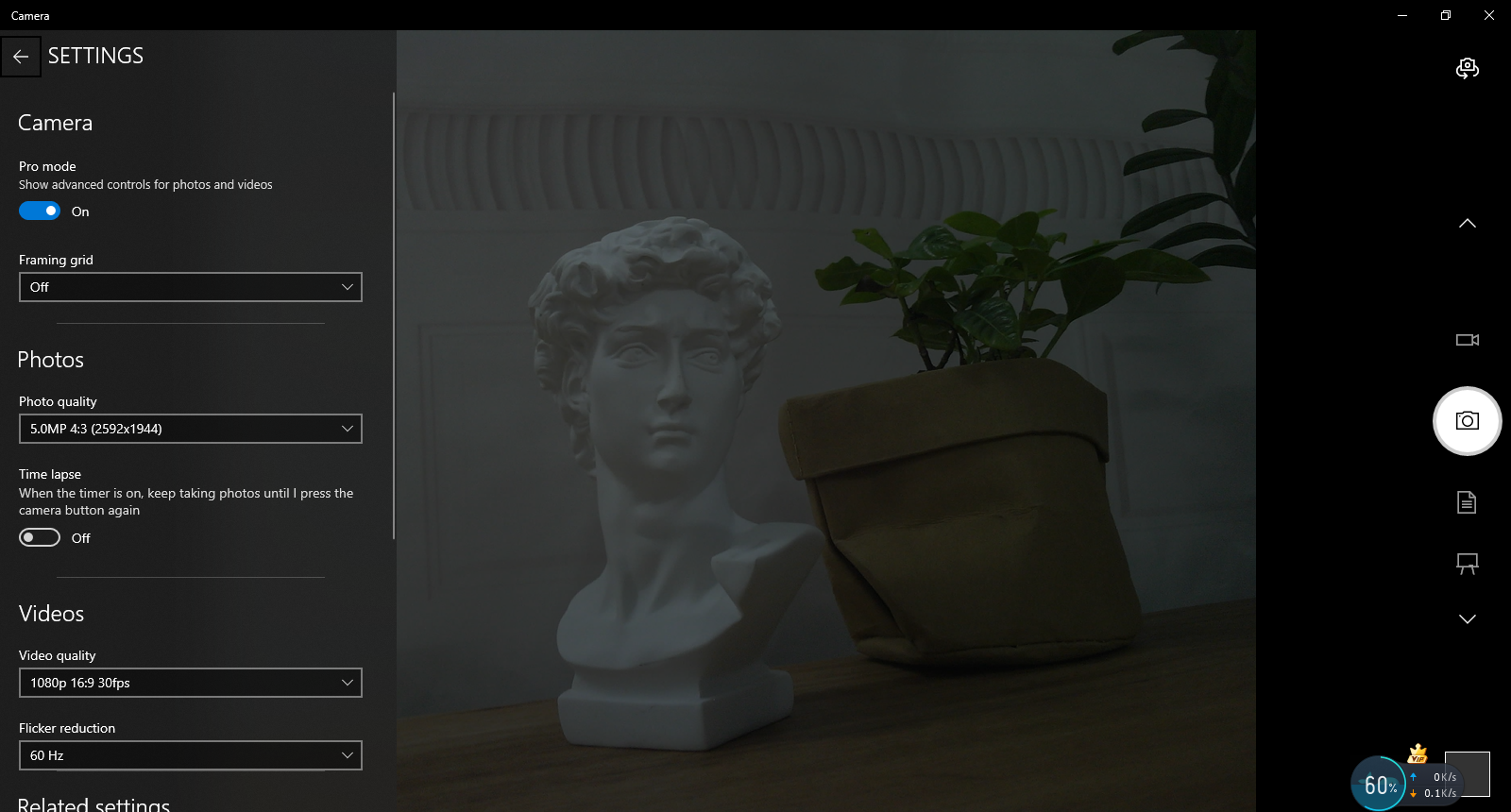
- Click the video or capture icon on the right to switch between recording and shooting
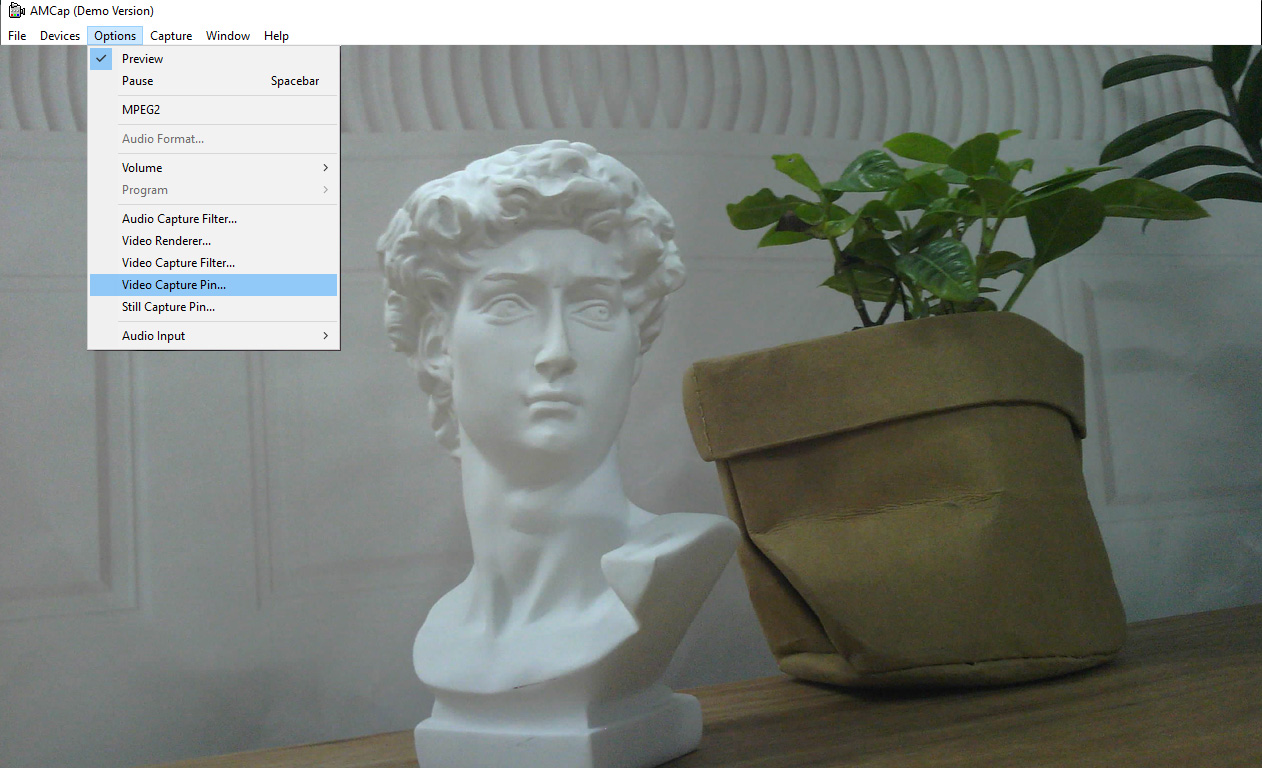
- AMCap software
- Download and install AMCap software
- You can click on the Option option and select Video Capture Pin... or Still Capture Pin... to set the parameters of the image and video
Working with Raspberry Pi
Preview with Plugins
- Open the Raspberry Pi terminal, enter the command to install the luvcview software
- sudo apt-get install luvcview -y
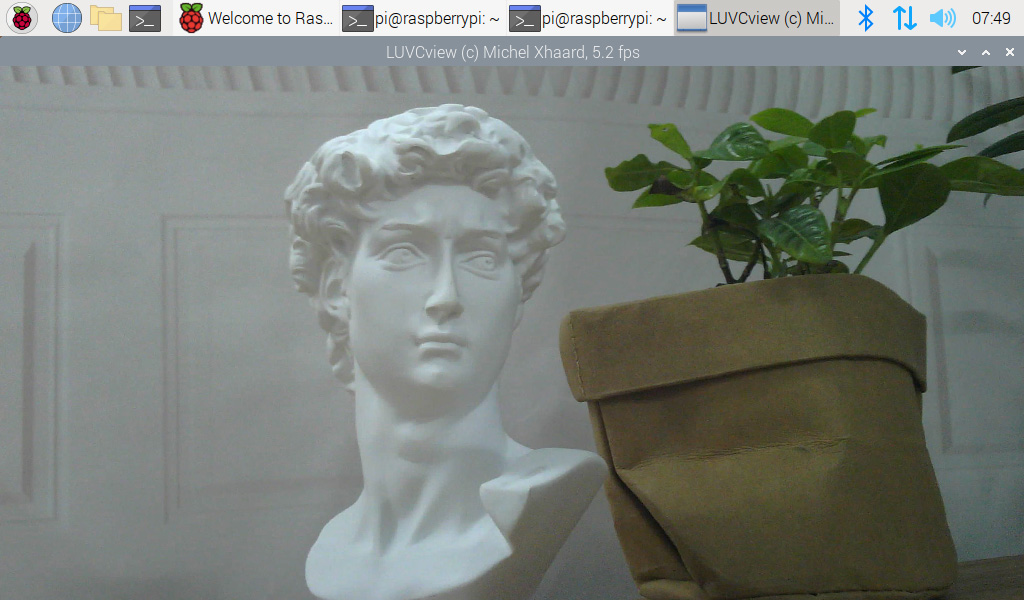
- After installation, enter the command on the terminal to open the software for USB camera testing
- sudo luvcview -s 1920x1080
Preview with Scripts
- Install opencv
sudo apt-get install python3-opencv
- Download the demo and test
wget https://files.waveshare.com/wiki/common/Usb_camera_examples.zip
unzip Usb_camera_examples.zip
cd Usb_camera_examples
sudo python3 Usb_camera_examples.py
Working with Jetson Nano Developer Kit
Preview with Commands
- Open the Jetson Nano Developer Kit terminal (open with Ctrl+Alt+T or mouse click)
- Input the following command to preview:
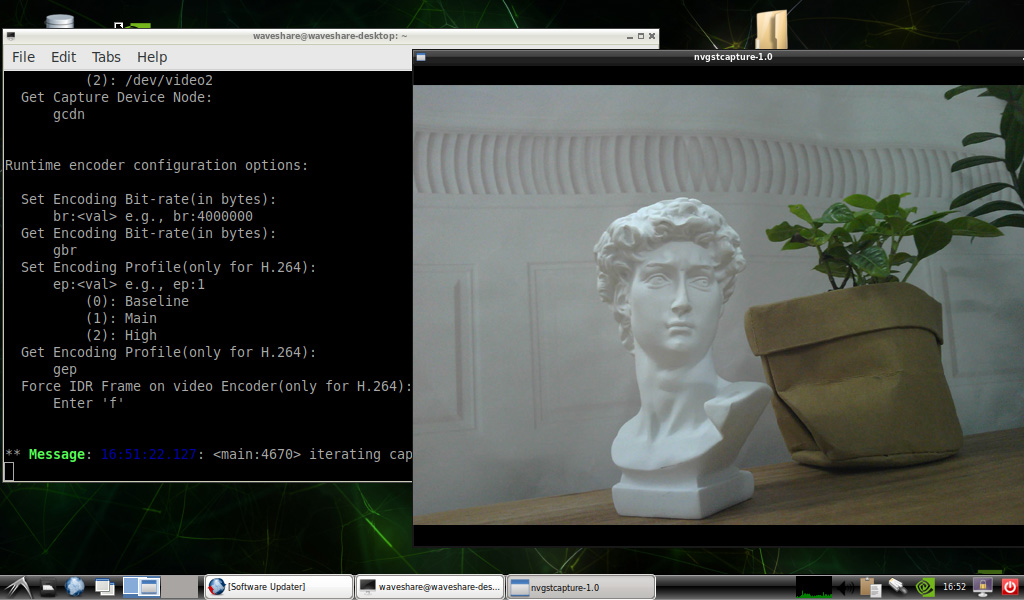
- nvgstcapture-1.0 --camsrc=0
- After inputting, a preview window will open
Preview with Scripts
- Install opencv
sudo apt-get install python3-opencv
- Download the demo and test
wget https://files.waveshare.com/wiki/common/Usb_camera_examples.zip
unzip Usb_camera_examples.zip
cd Usb_camera_examples
sudo python3 Usb_camera_examples.py
Note: In practical application, you may need to call with a program, and you can refer to Opencv and other related image processing library materials by yourself
Resources
Documents
Software
FAQ
Question: What is the filter's wavelength in nm?
Answer:
650nm filter.
Question: If the hand touches the back of the PCB, will the camera display abnormalities?
Answer:
- Avoid touching the components on the PCB backside to prevent affecting electrical performance
Question: Does the module get hot during use?
Answer:
- During use, the module heats up significantly and may feel hot, which is normal.
Question: Why can't I control parameters like brightness, contrast, etc.?
Answer:
- If you are using Mac and Opencv, some parameter settings cannot be used, it is recommended to use Linux and V4L2 drivers.
Support
Monday-Friday (9:30-6:30) Saturday (9:30-5:30)
Email: services01@spotpear.com
TAG:
ESP32-C5 3.5inch LCD For Xiaozhi AI Development Board Display 320×480 3.5 inch TouchScreen Camera
Raspberry Pi
ESP32 S3 Development Board 1.43 inch AMOLED Display 1.43inch TouchScreen For Arduino LVGL With SD-Port/ QMI8658C 6-Axis Sensor
Raspberry Pi 24.5 inch Type C/HDMI 2K Display 24.5inch Screen 2560x1440 Computer PC Phone For Xbox/PS4/Switch
Digital Input
Raspberry Pi 5 Case
ADXL354C Development Board
EoAT Setting
EVAL-ADXL354CZ
ESP32-P4 Pico Development Board DB C5 MIPI DSI 10.1-inch Display /CSI Camera /Audio Speaker Mic AI Deepseek
Industrial RS485 Modbus RTU Relay
Arduino IR Thermal Imaging Camera
LuckFox Pico Camera
Raspberry Pi CM5 Compute Module 5 Development Kit With CM5104032 + Official Original IO Board + Case
Raspberry Pi CM5 Mini Base IO Board NANO A Development For Compute Module 5
VGA to LVDS
USB Binocular Camera 2MP OS02G10 Distortion Free Binocular Synchronous Frame USB 2.0 Plug and Play
Raspberry Pi AI Camera Official Original 12MP IMX500 Intelligent visual Sensor On-Board RP2040
ESP32-S3
Computer Monitor Screen
[Tutorial Navigation]
- Specifications
- Working with Windows PC
- Working with Raspberry Pi
- Working with Jetson Nano Developer Kit
- Resources
- FAQ
- Question: What is the filter's wavelength in nm?
- Question: If the hand touches the back of the PCB, will the camera display abnormalities?
- Question: Does the module get hot during use?
- Question: Why can't I control parameters like brightness, contrast, etc.?
- Support