- sales/support
Google Chat:---
- sales
+86-0755-88291180
- sales01
sales@spotpear.com
- sales02
dragon_manager@163.com
- support
tech-support@spotpear.com
- CEO-Complaints
zhoujie@spotpear.com
- Only Tech-Support
WhatsApp:13246739196
- Purchase/Shipping/Refund
WhatsApp:13424403025
64MP-Camera-Kit Guide
【Documentation】
Github – Servo Driver:【Click to view】
【Note】
[] To use the camera on Pi Zero and 2 W, you need this.
[] The arducam 64MP cameras can only get maximum resolution and video streaming on Pi4 and CM4 platforms. The resolution and video streaming of the camera will be limited on other Raspberry Pi platforms.
【Overview】
[] The most powerful pan-tilt camera kit ever made for Raspberry Pi. With our 64MP-AF camera, a handy PT system, and the help of OpenCV, you can build a mini face/movement tracking solution like this:
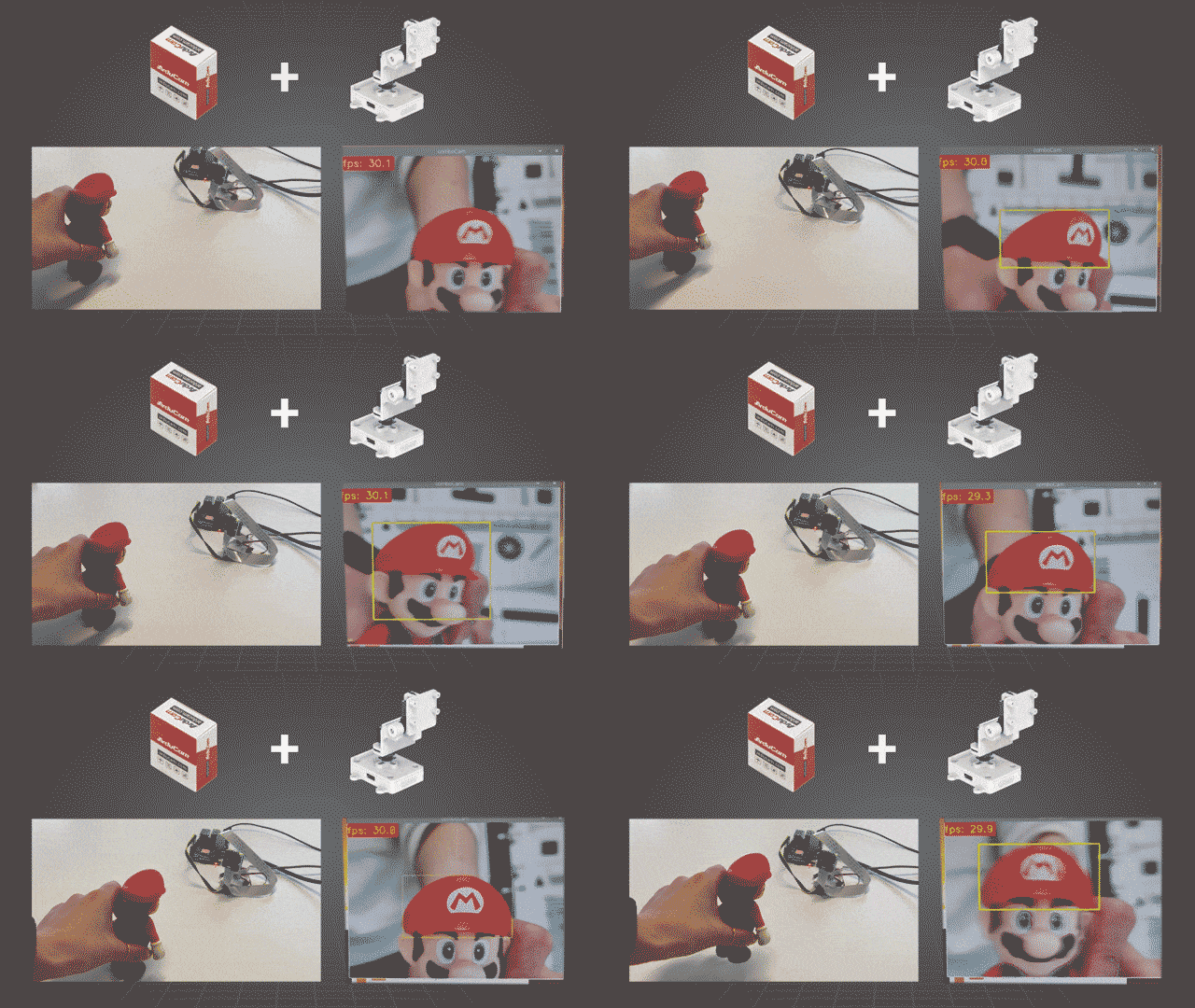
[] The camera itself works with most Pi models, older ones like Pi 2 or Pi 0 may suffer from performance drops. And the PT kit is also compatible with both the official V1/V2/HQ cameras and Arducam OV5647/IMX219/IMX477 series.
【Specifications】
[] Torque: 0.6 kg/cm at 3.6V, 0.8 kg/cm at 4.8V
[] Operating Speed: 0.13sec/60° at 3.6V, 0.09sec/60° at 4.8V
[] Operating Voltage: 3.6v~4.8v
[] Operating Current: <350mA
[] Dead Band: 3 usec
[] Dimension: 20mm x 8.75mm x 22mm
[] Customized Control Board
[] PWM resolution: 12-bit
[] Communication interface: I2C
[] Operating voltage: 3V-5V
[] Dimension: 38mm x 28mm
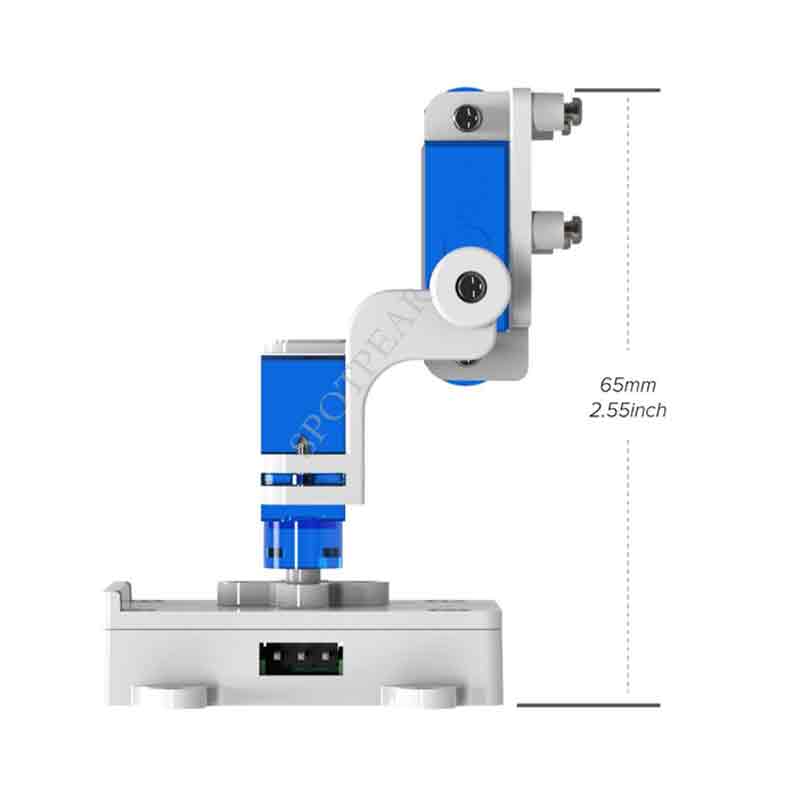
【Dimensions】