- sales/support
Google Chat:---
- sales
+86-0755-88291180
- sales01
sales@spotpear.com
- sales02
dragon_manager@163.com
- support
tech-support@spotpear.com
- CEO-Complaints
zhoujie@spotpear.com
- Only Tech-Support
WhatsApp:13246739196
- Purchase/Shipping/Refund
WhatsApp:13424403025
- HOME
- >
- ARTICLES
- >
- Common Moudle
- >
- UART Module
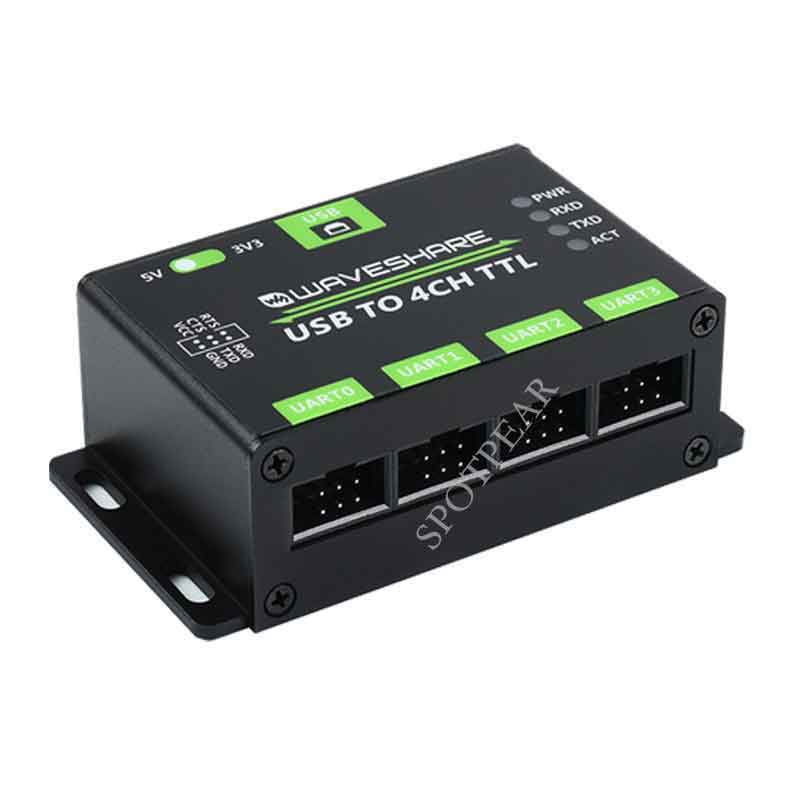
USB TO 4CH TTL User Guide
Features
- Extending USB to 4CH TTL (UART) with hardware flow control, allows concurrent and independent communication for each channel.
- Onboard resettable fuse and protection diodes, ensures the current/voltage stable outputs, provides over-current/over-voltage proof and improves shock resistance.
- Onboard IO protection circuit for surge suppress and ESD protection, safe and stable communication.
- Onboard TTL serial port 3.3V and 5V voltage level switch, allows selecting TTL level.
- Aluminium alloy enclosure with oxidation dull-polish surface, CNC process opening, solid and durable, well-crafted.
- Quality USB-B connector, and IDC connector with fool-proof design.
Specifications
- Working voltage: 5V
- Working current: 32mA
- Serial Baud rate: 1200bps ~ 460800bps
- TTL voltage: 3.3V / 5V (configuable)
- Working temperature: -40°C ~ 85°C
- Supported OS: Mac OS, Linux, Windows 11/10/8.1/8/7, Android
Pinouts
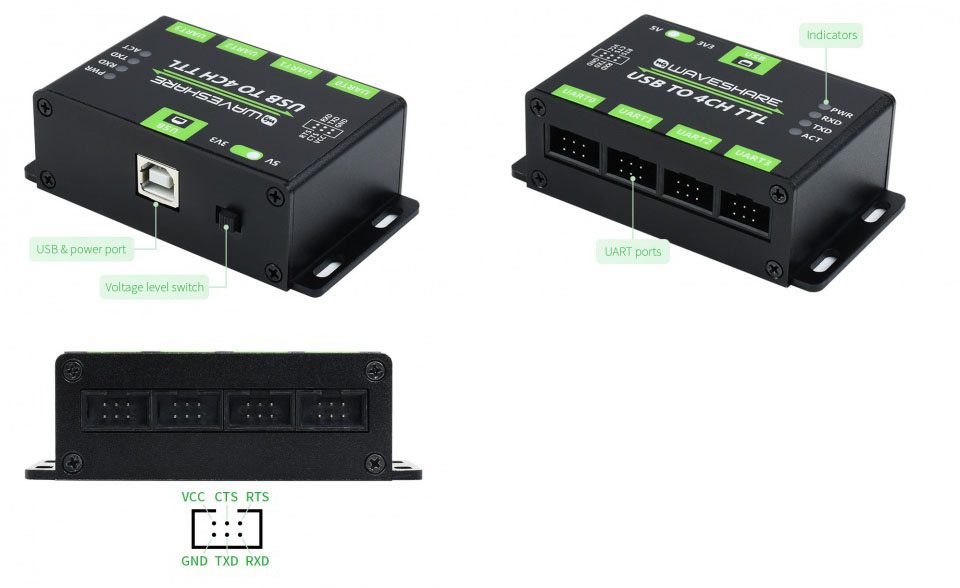
About CH343
CH343 is a USB bus adapter chip, realizes USB to high-speed asynchronous serial port, and supports up to 115200bps communication Automatic identification and dynamic self-adaptation of baud rate, providing common MODEM contact signals for expanding asynchronous serial ports of computers, or feature USB bus for the common serial device or MCU.
How to use
Windows
For most of the PC, the driver for CH343 is CDC by default, if you need to use VCP driver, please download the driver and install munually.
The CH343 USB UART board use software flow control by default, if you want to use hardware flow control, connect CFG to EN for CDC mode, set in SSCOM software for VCP mode.
Linxu/Raspberry Pi
To work with Raspberry Pi, it is driver-free, just connect and check with the following command:
ls /dev/tty*
The port should be named as ttyACM0, user can use the minicom tool to test.
sudo apt-get install minicom -y
minicom -D /dev/ttyACM0
MacOS
To use with MacOS, please download the driver and follow the guide
Android
To use with Android device, please donwnload the APP and test.