- sales/support
Google Chat:---
- sales
+86-0755-88291180
- sales01
sales@spotpear.com
- sales02
dragon_manager@163.com
- support
tech-support@spotpear.com
- CEO-Complaints
zhoujie@spotpear.com
- Only Tech-Support
WhatsApp:13246739196
- Purchase/Shipping/Refund
WhatsApp:13424403025
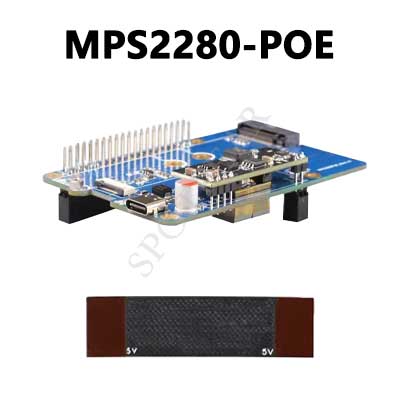
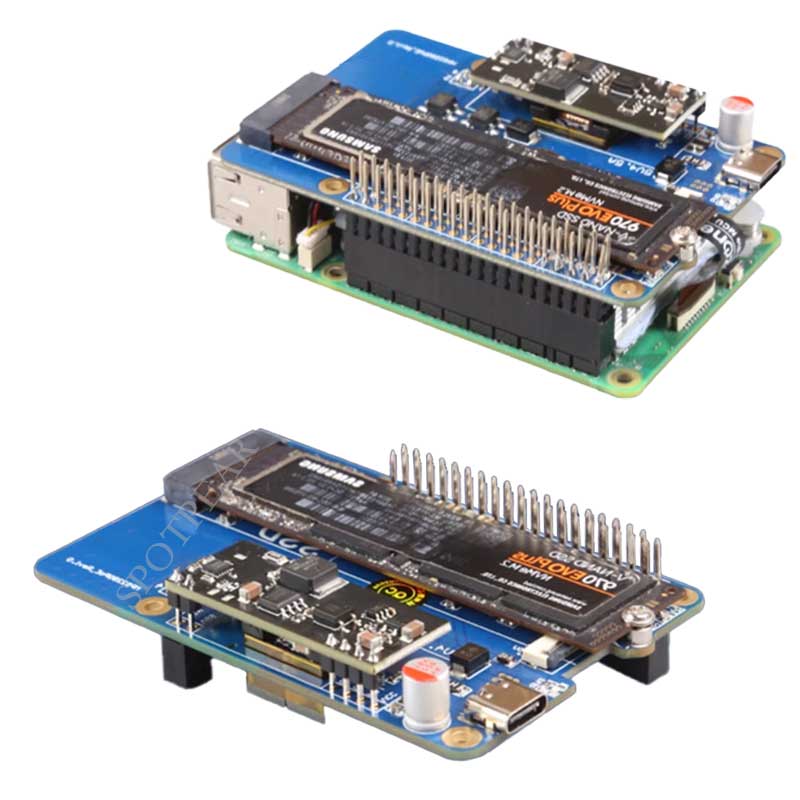
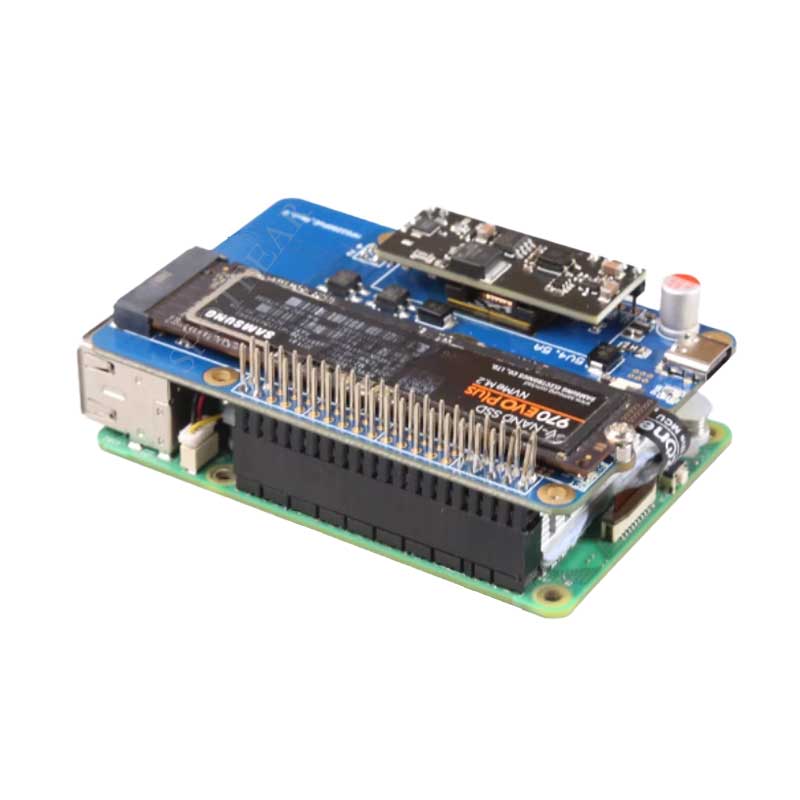
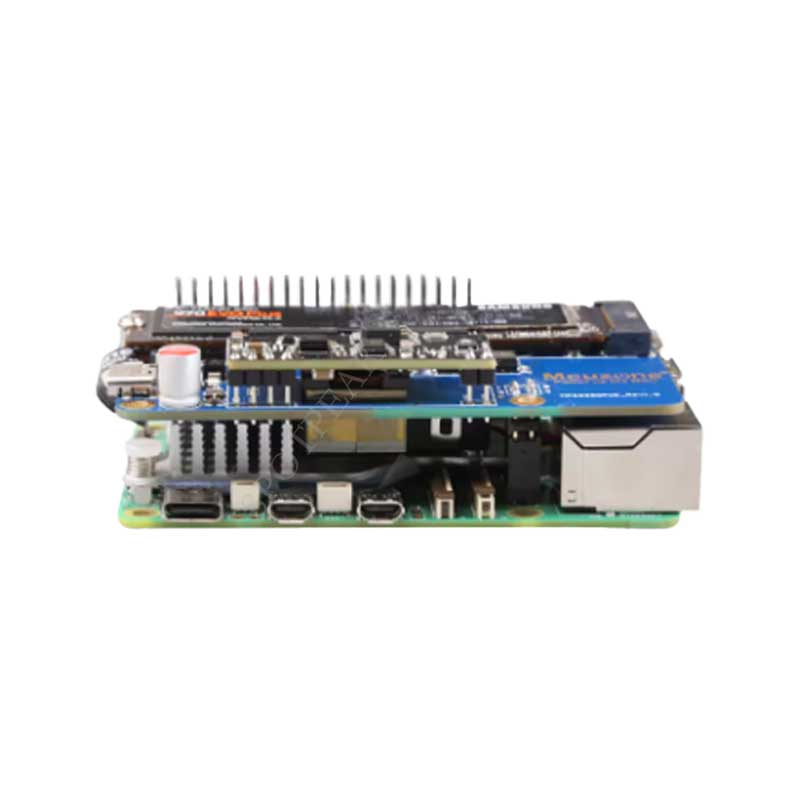
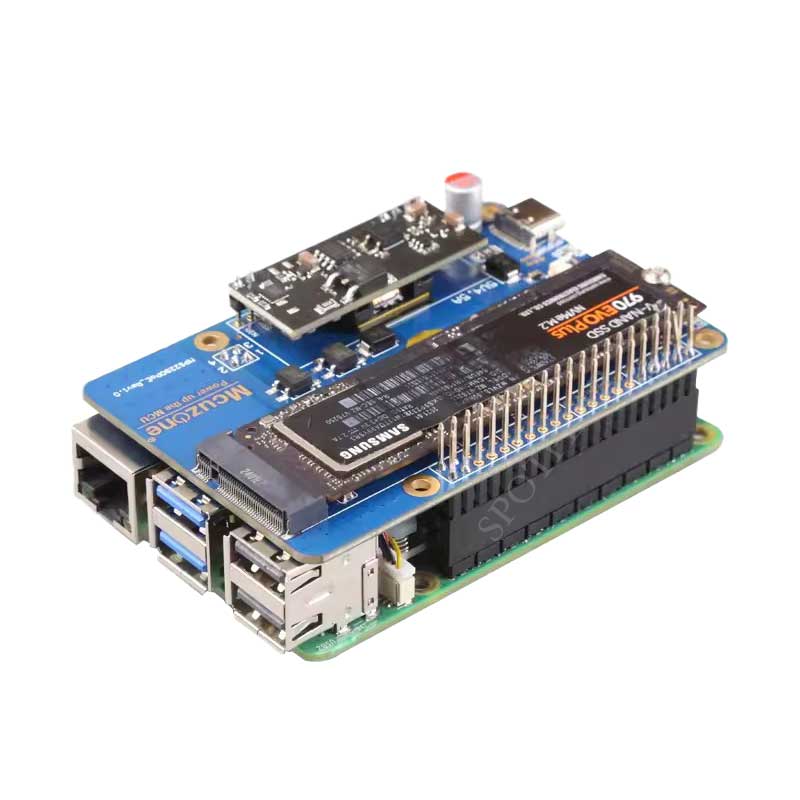
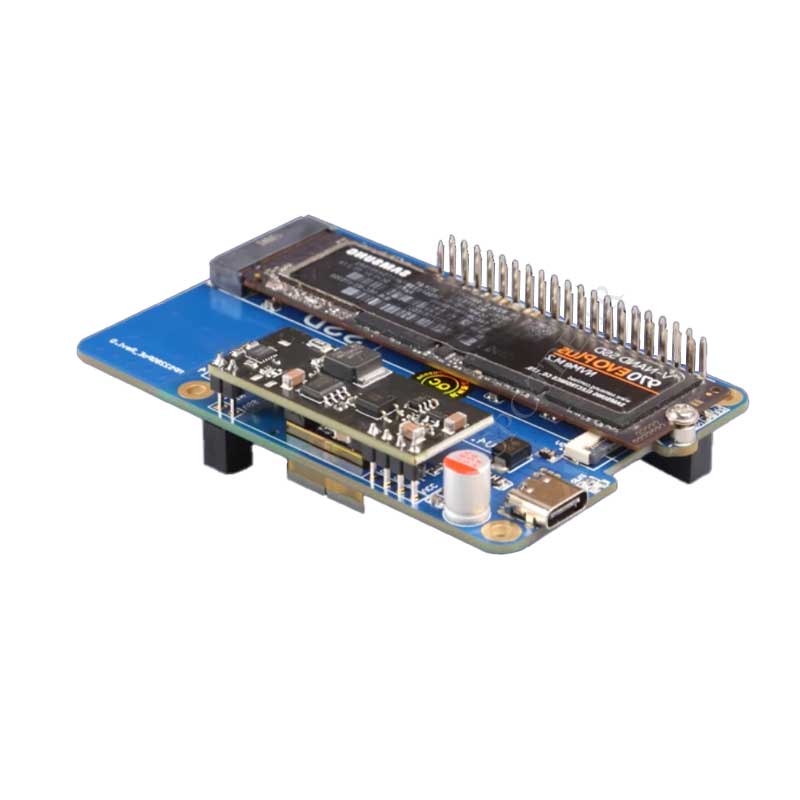
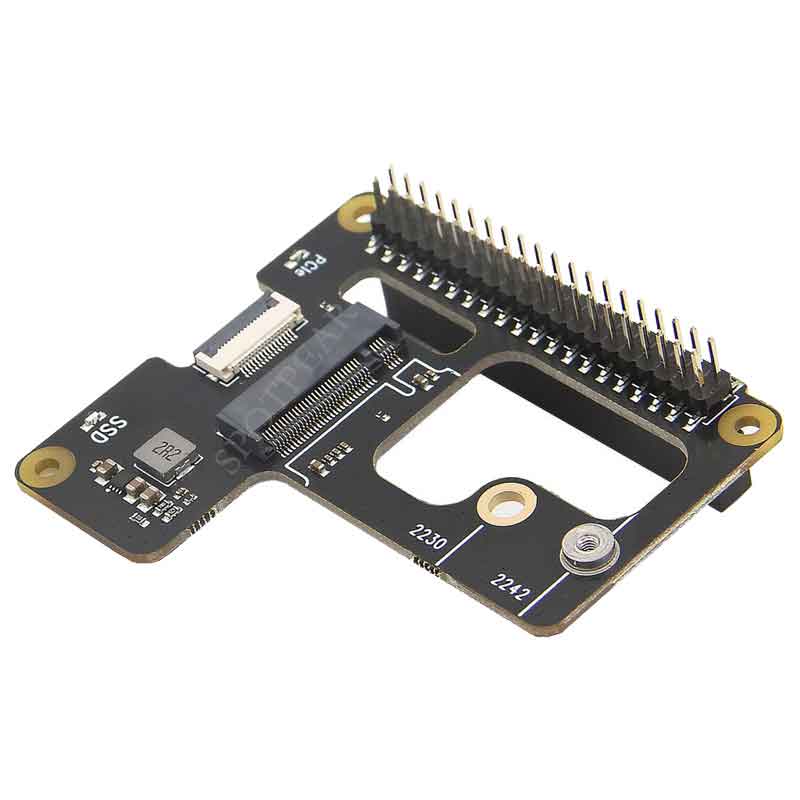
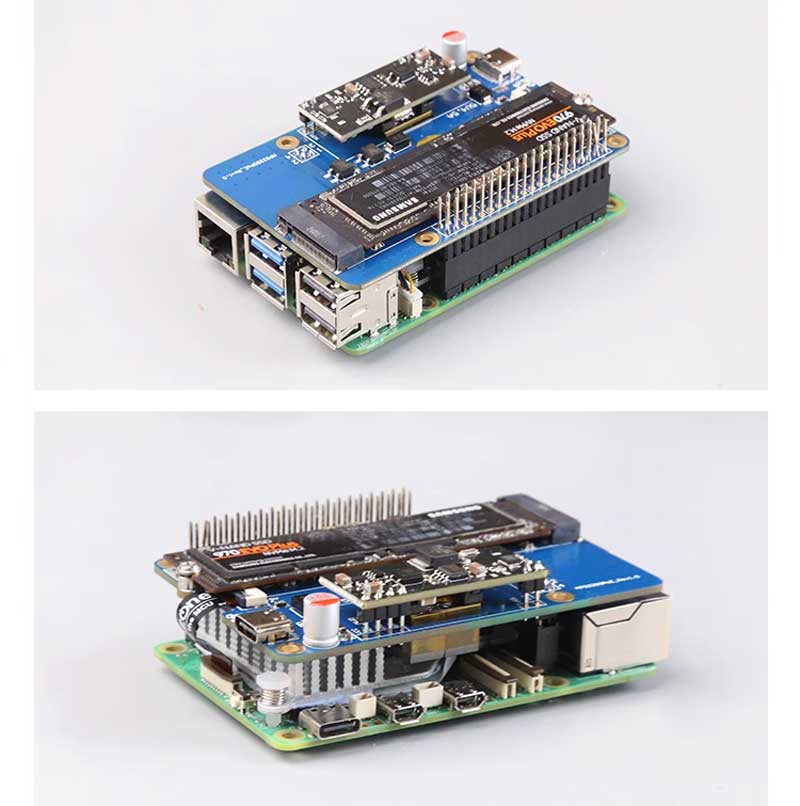
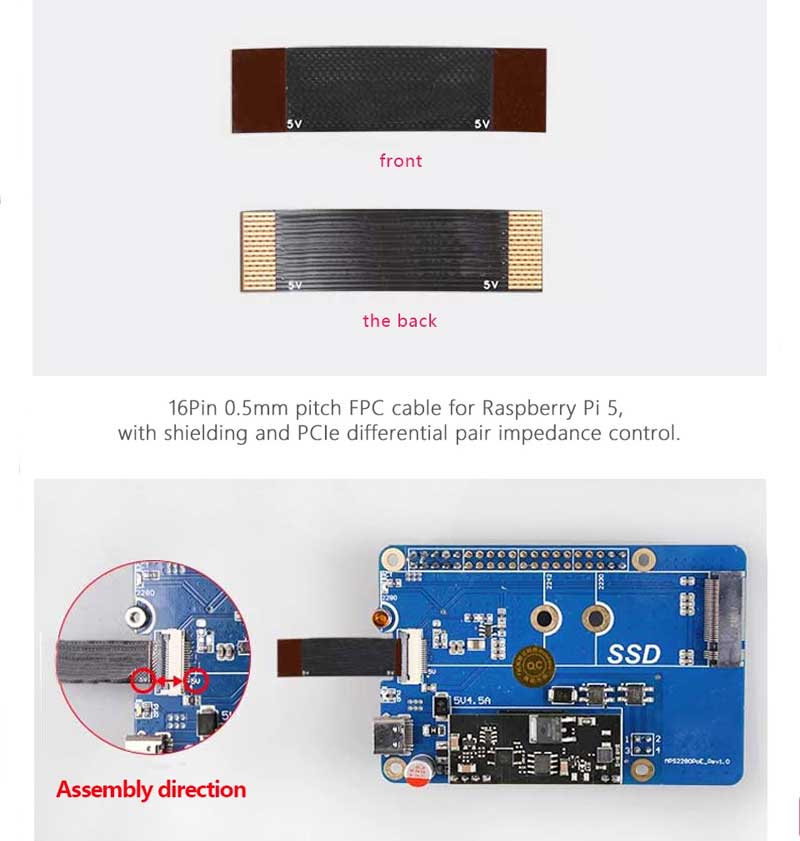
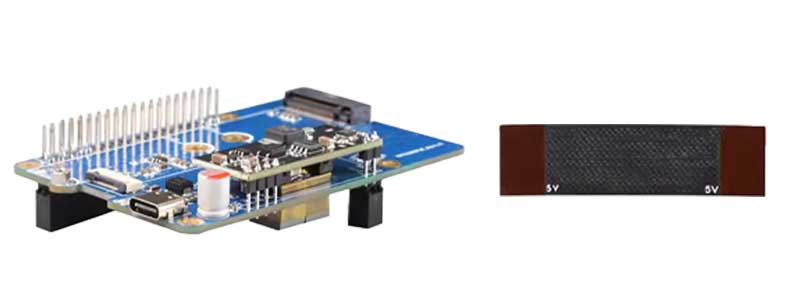
MPS2280 POE Raspberry Pi 5 PCIe to M.2 NVMe SSD Adapter Board HAT Pi5 2280/2242/2230
$24.96
Brand:Spotpear
SKU:0101042
Date:2024-08-17 11:30
Part Number:
MPS2280 POE Raspberry Pi 5 PCIe to M.2 NVMe SSD Adapter Board HAT Pi5 2280/2242/2230
Raspberry Pi 5 M Series Recommend
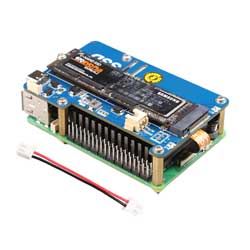
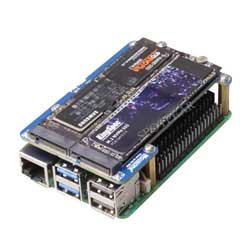
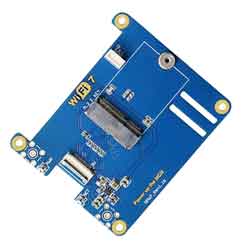
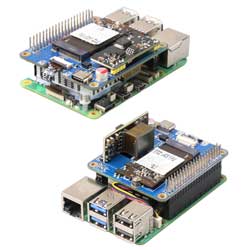
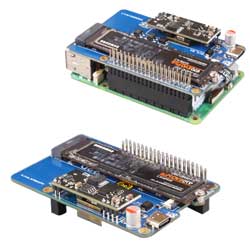
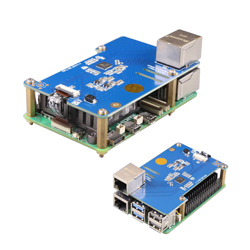
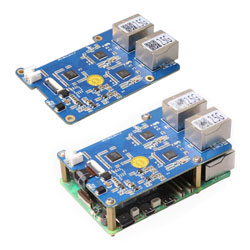
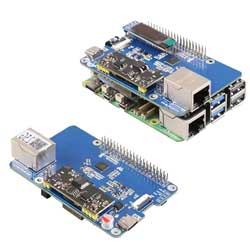
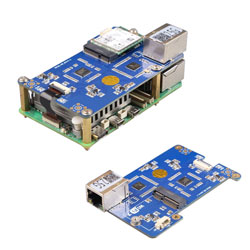
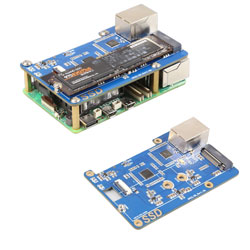
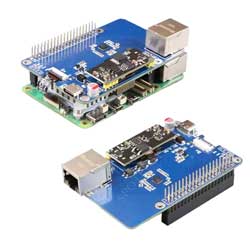
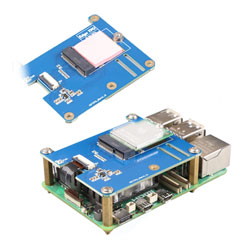
【Product Details】
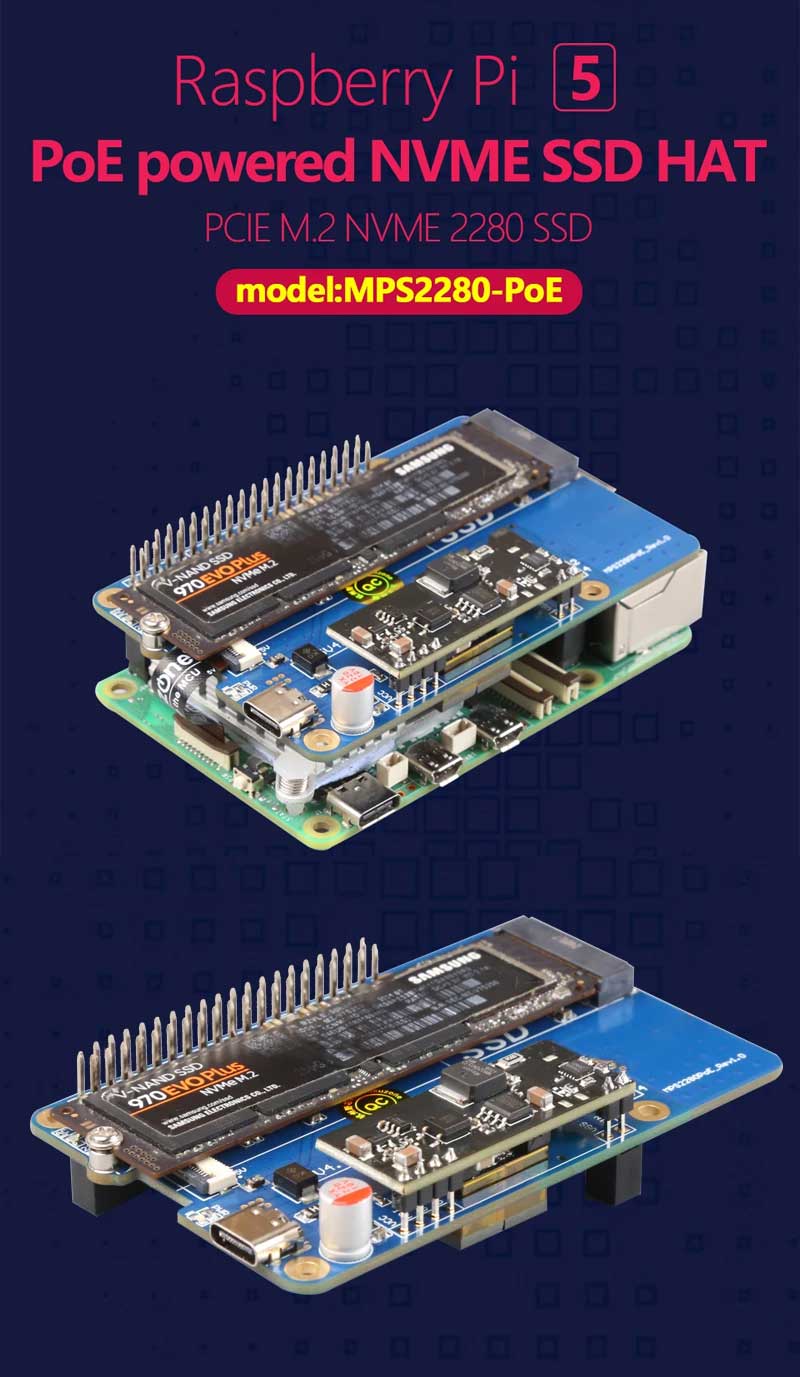
PoE Power Supply
[] Support PoE mode Ethernet power supply;
[] Support IEEE802.3AF/AT;
[] With fully isolated switching mode power supply (SMPS);
[] PoE module output up to 5V 4.5A, please make sure the PSE device could offer 30W output;
[] lf the RPi 5 is in standby or running mode with low power,it can also supply power to other devices through the USB-C port, up to 5V3A.
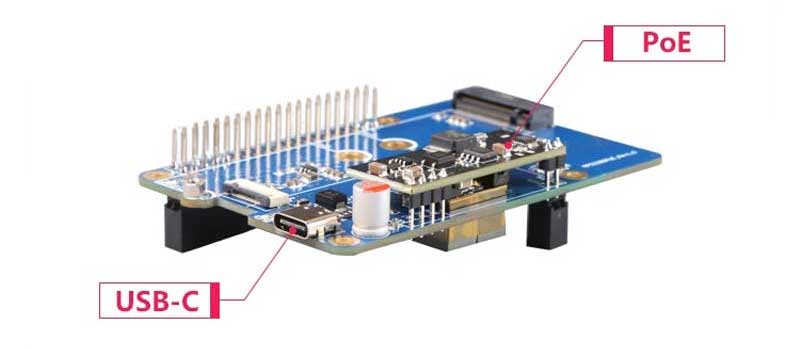
Specially designed for RPi 5
Design based on the RPi 40PIN GPIO interface,
the top leads to pin headers for easy access to other RPi expansion boards.
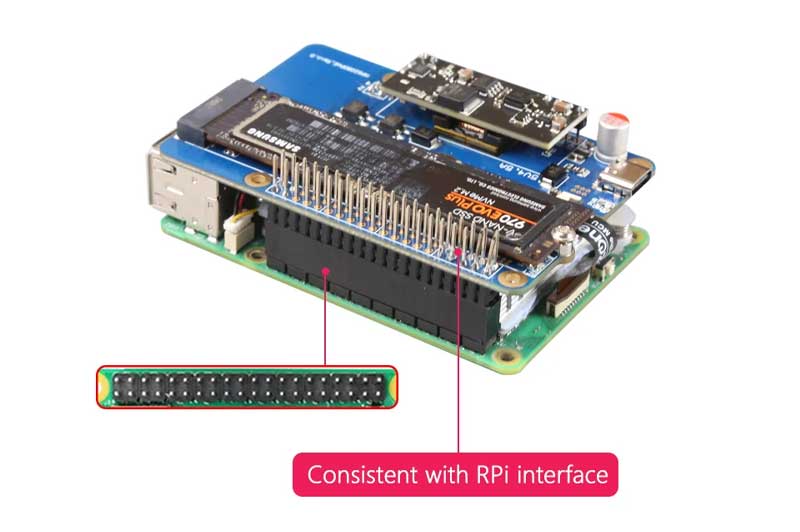
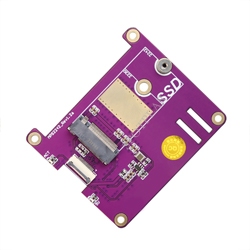
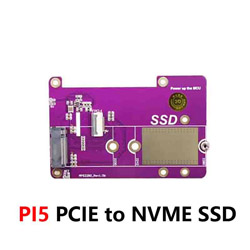
PCIE to NVME SSD
[] Supports PCle
Raspberry Pi 5 only supports PCle x1, with Gen2 and Gen3 modes.
[] M.2 M-key, supports NVMe SSD
Supports 2280/2242/2230 size SSD (only 2280 copper pillars are welded by default).
[] SSD booting system
Supports booting the system from the NVME SSD hard disk and storage expansion.
The SSD can also be used for storage only and the system boots from TF.
[] M.2 power supply
The power supply circuit of the expansion board adopts a 2A current design, which is limited by the current limit of the PCIE interface of Raspberry Pi 5 (5V1A), and can provide 3.3V over 1.5A to the SSD.
Generally, the current requirements marked on SSD may be 2.5A, 2.7A or even 3A,but this current corresponds to the max value of PCle x4 mode, however, Raspberry Pi 5 only supports x1 mode, so the actual current needed is much smaller. Our designs meet most SSD needs.
[] Dual LED
Dual LED indicators on-board: power indicator ("PWR") and M.2 activation indicator ("ACT").
[] High-quality components
adopt high-quality electronic components and immersion gold technology, and are produced lead free.
4 M2.5 fixing holes and a concave design on the top of the board facilitate the operation and use of 40Pin GPIO.
Details
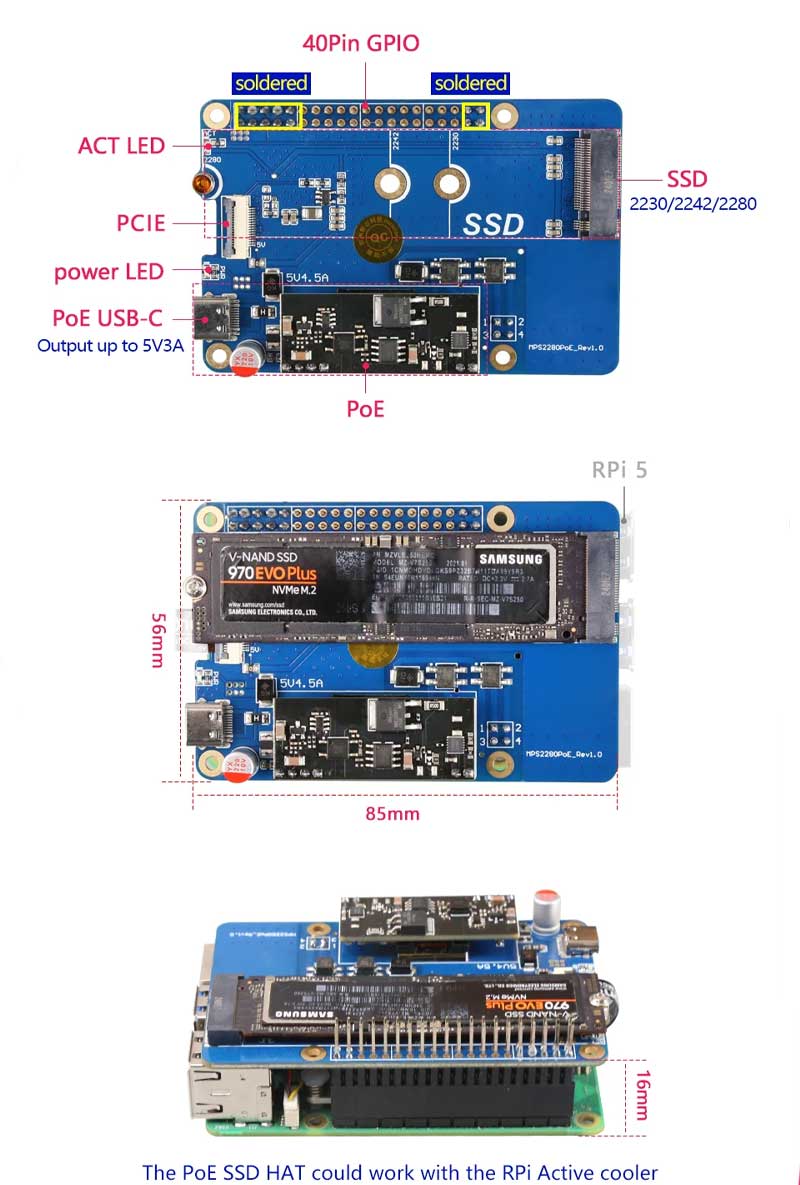
Speed test
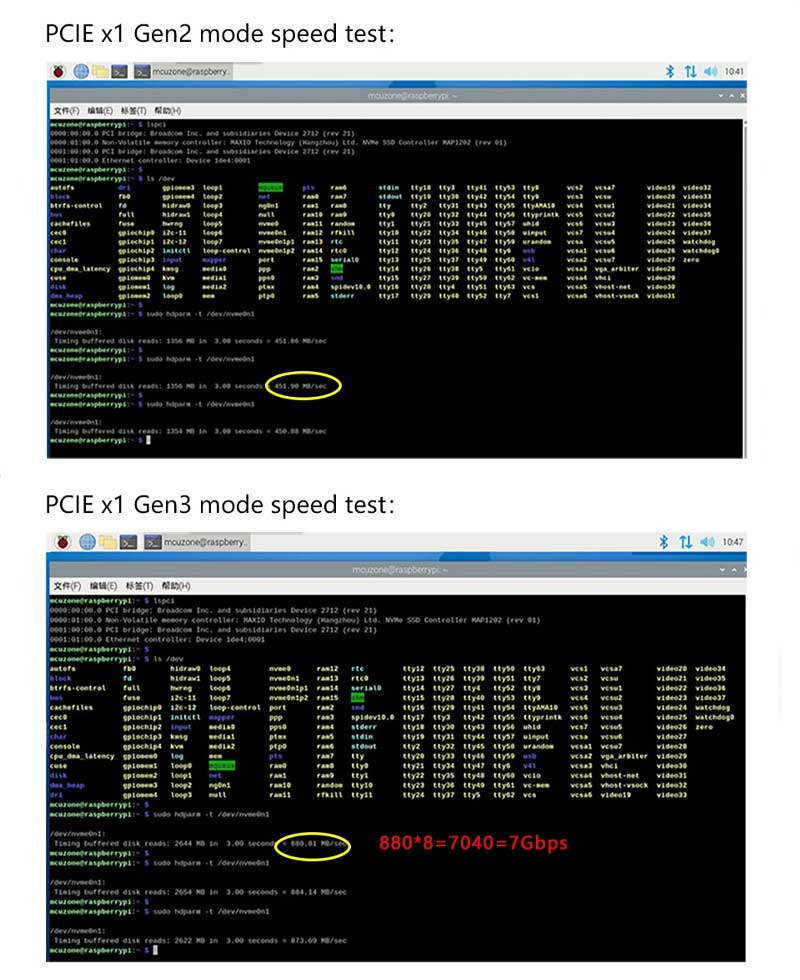
[] The theoretical bandwidth of Raspberry Pi's official PCle Gen2 mode is 5Gbps, and the theoretical bandwidth of PCle Gen3 mode is 8Gbps.
[] Summary: The performance of Gen3 mode is doubled compared to Gen2 mode!
User guide
[] Follow the PCle enable process on the Raspberry Pi official website.
https://www.raspberrypi.com/documentation/computers/raspberry-pi-5.html#booting-from-pcie
[] The SSD is only used as a extra storage:
Open config.txt and add the following two lines at the end:
dtparam=nvme
dtparam=pciex1_gen=3
The second line is used to set the interface mode. The bandwidth of
gen2 mode is 5Gbps and the bandwidth of gen3 mode is 8Gbps.
If not set, it defaults to gen2.
[] How to set up for booting from SSD:
[] Set boot options:
sudo rpi-eeprom-config --edit
Modify BOOT_ORDER to:
BOOT ORDER=0xf416
Enable PCIE PROBE:
PCIE PROBE=1
Then save, exit and restart.
[] Write the system to SSD (requires a SSD card reader):
You can use tools such as Raspberry Pi lmager under Windows/Linux/Mac to write the image to SSD.
You can also use the TF card to start the Raspberry Pi system first, and then use the command line to install Imager:
sudo apt install rpi-imager
Then you can write the image to the SSD directly under the Raspberry Pi.
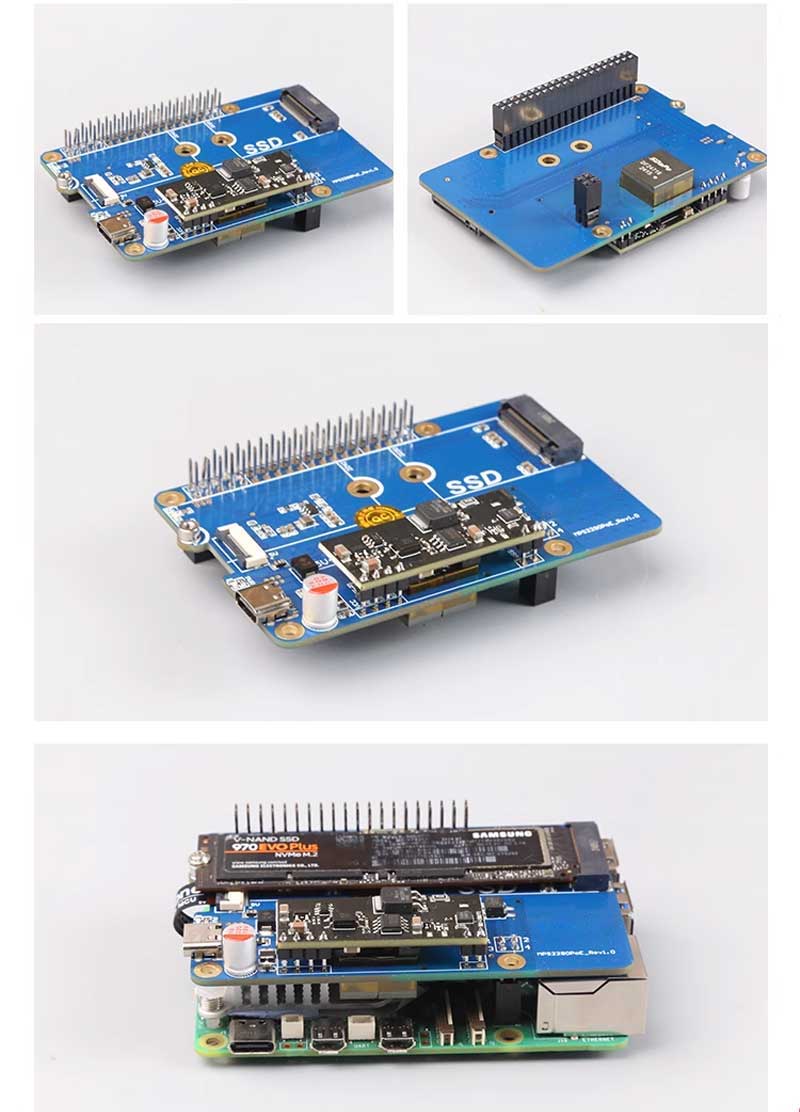
Gallery
TAG:
USB Camera 12MP IMX563 USB 2.0 Dual-Axis OIS Autofocus
NVIDIA
Raspberry Pi Touchscreen
Raspberry Pi
Raspberry Pi 4 Model B Case Kit
Raspberry Pi 5 NVMe
Raspberry Pi Display
Raspberry Pi 3 LCD HAT
Suitable For CSI Cameras
Raspberry Pi 5 Serial
STM32 1.54inch OLED
Raspberry Pi 5
ESP32-P4 DEV-KIT C6 WiFi6 MIPI DSI 7/10.1 inch Display/CSI Camera/Audio Speaker For AI Deepseek
RPi-POE-A
Servo PWM motor WP5320 WP5335 35/20KG.CM 180° PWM digital servo double ball bearings
Raspberry Pi 1.3inch LCD
All-metal UGV Spring 3KG load DDSM210 DDSM400
Industrial 4-ch PWM RS485 pulse output module Modbus RTU rail
1.5inch Display
Raspberry Pi M.2 4G 5G LTE HAT GSM GPRS EDGE RM500 SIM8200 GM800 Samsung ARTIK Rock64 Asus Tinker Latte Panda
Forum: