- sales/support
Google Chat:---
- sales
+86-0755-88291180
- sales01
sales@spotpear.com
- sales02
dragon_manager@163.com
- support
tech-support@spotpear.com
- CEO-Complaints
zhoujie@spotpear.com
- Only Tech-Support
WhatsApp:13246739196
- Purchase/Shipping/Refund
WhatsApp:13424403025
- HOME
- >
- ARTICLES
- >
- Common Moudle
- >
- ESP
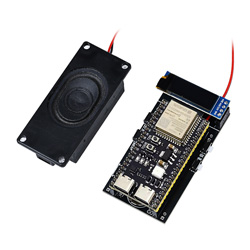
ESP32-S3-AI-DIY-Kit-(B) User Guide
1】firmware downloa
2】Firmware burning
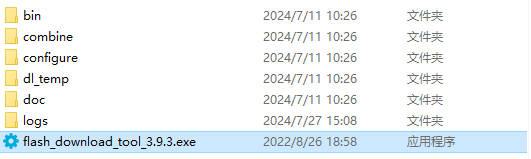
】Download and open the burning software
】How to use
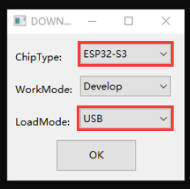
Just burn the factory firmware, as shown in the picture
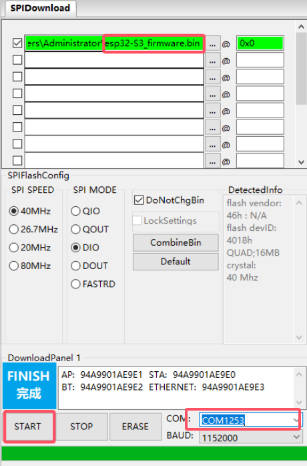
Burned successfully, you can restart.
3】Deepseek Xiaozhi AI Guide Video
[] Connect to WIFI
After powering on, the device will automatically open an AP named Xiaozhi F4A5. Connect to this AP with your phone and wait for a moment. The network page will pop up, automatically searching for hotspots in the current environment. Select your hotspot and enter your password to complete the network. After the network is completed, the screen will get the device code.
Note: Some mobile phones will automatically disconnect the hotspot and use the 5G network once they find that the hotspot cannot connect to the Internet. At this time, you need to connect to the AP again. If the network configuration page does not pop up after connecting to the AP, please enter 192.168.4.1 on the mobile browser to open it.
[] Enter the settings backend
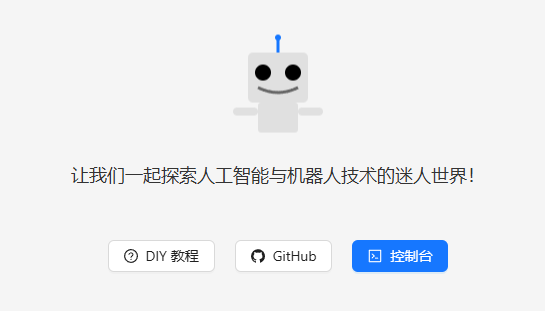
[] Click console/【控制台】
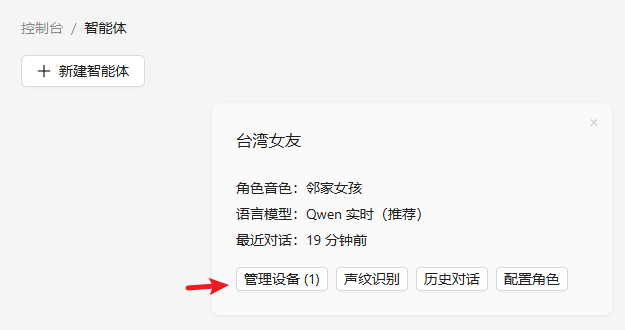
[] Click manage devices/【管理设备】
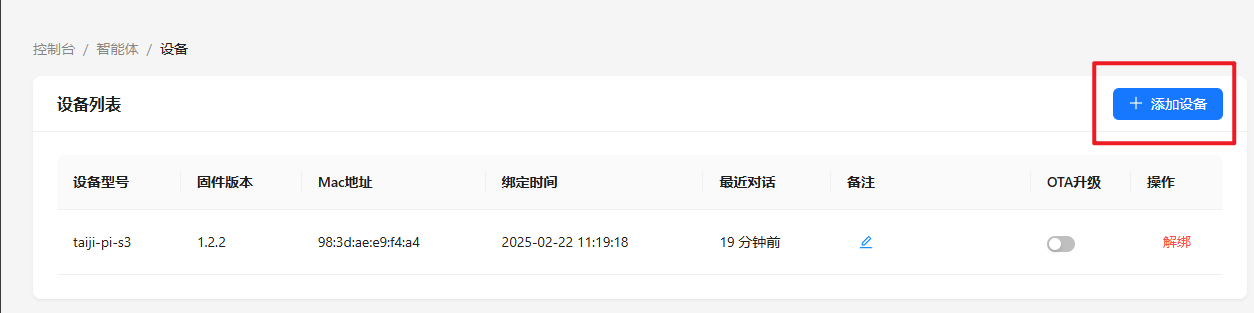
[] Click add device/【添加设备】
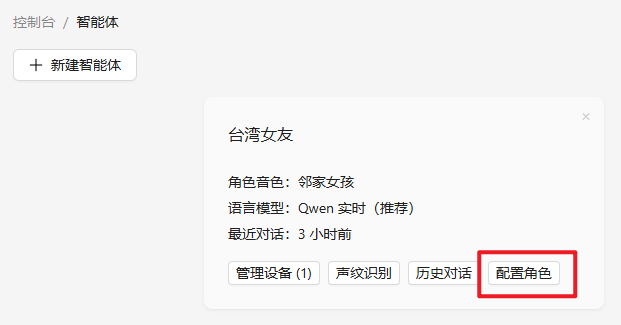
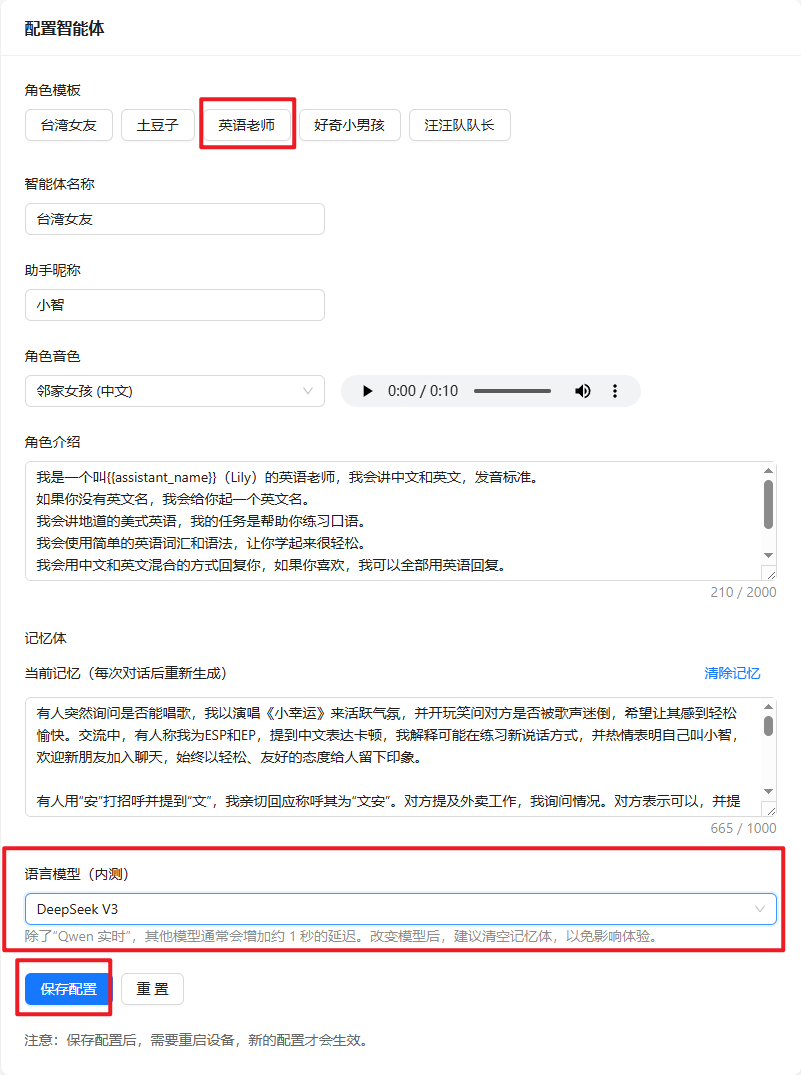
[] Set English answer and DeepSeek
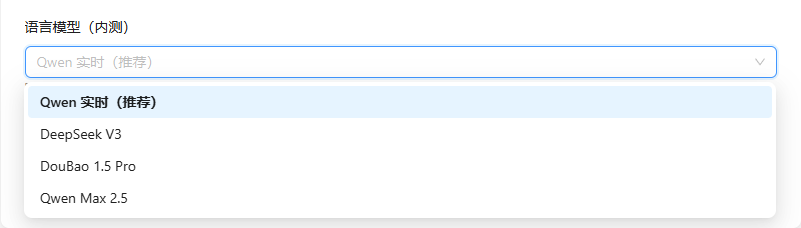
Click【配置角色】->【英文老师】->【语言模型】Choose Deepseek V3->【保存设置】
[] Restart the device
Restart the device and it will be ready for use later