- sales/support
Google Chat:---
- sales
+86-0755-88291180
- sales01
sales@spotpear.com
- sales02
dragon_manager@163.com
- support
tech-support@spotpear.com
- CEO-Complaints
zhoujie@spotpear.com
- Only Tech-Support
WhatsApp:13246739196
- Purchase/Shipping/Refund
WhatsApp:13424403025
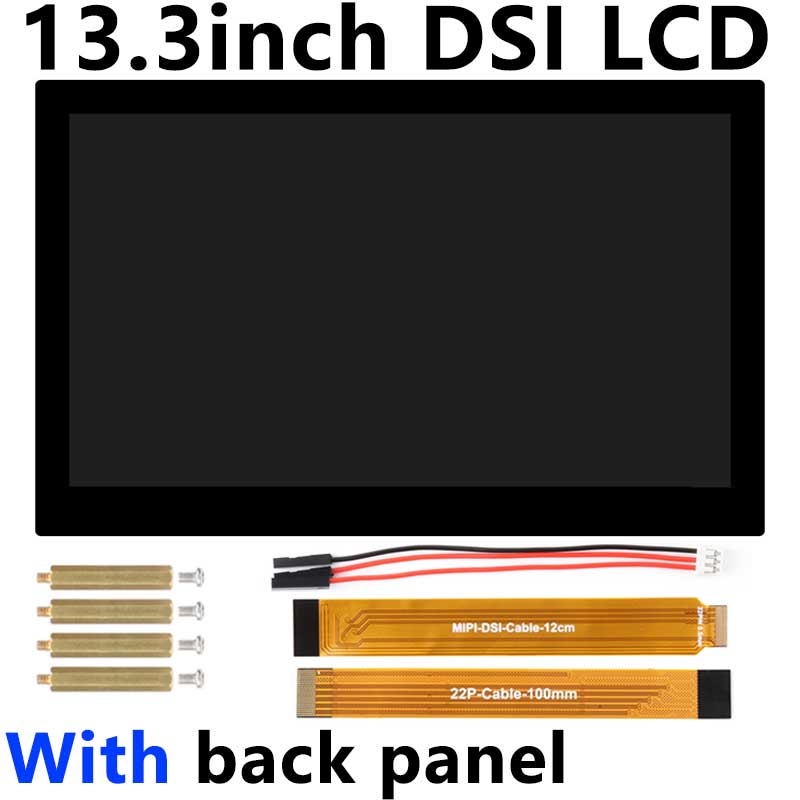
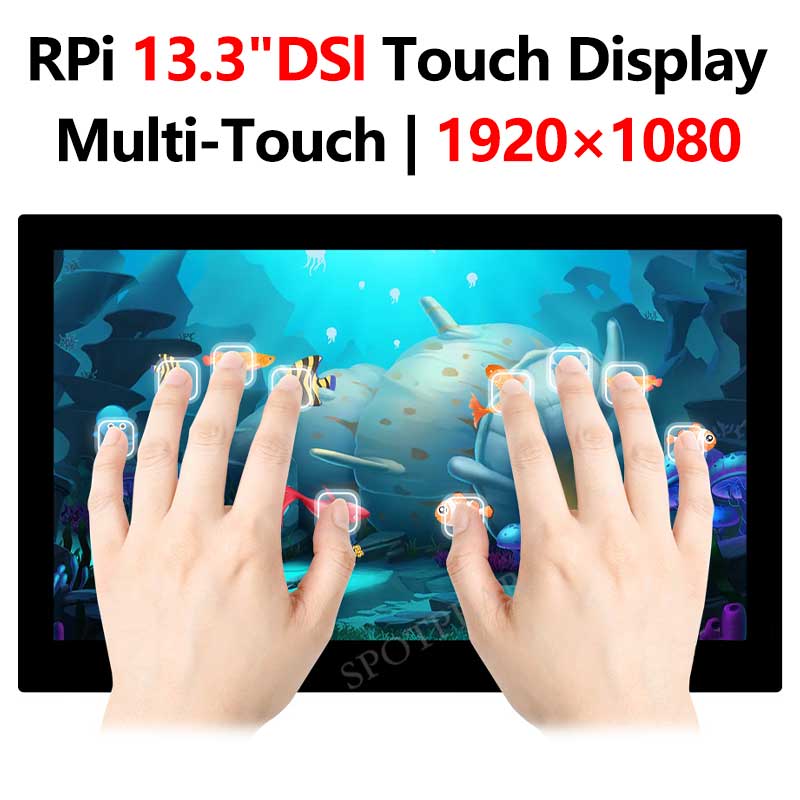
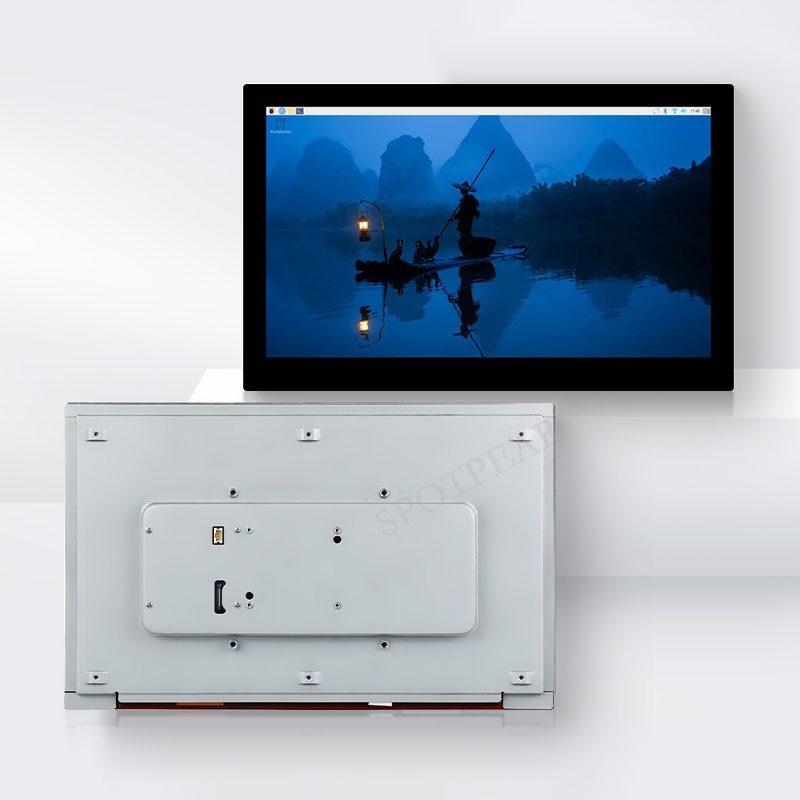
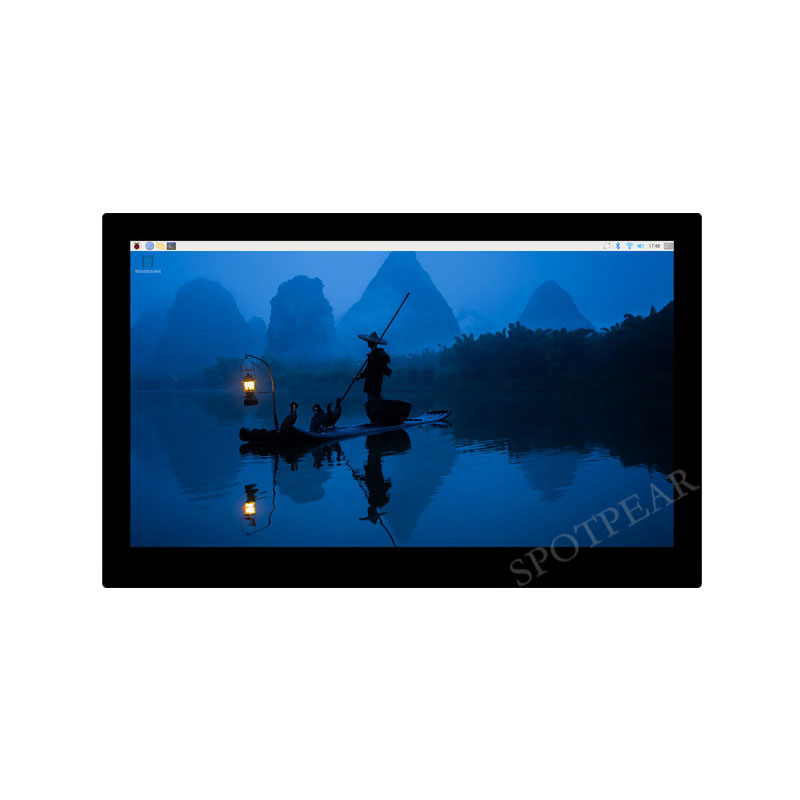

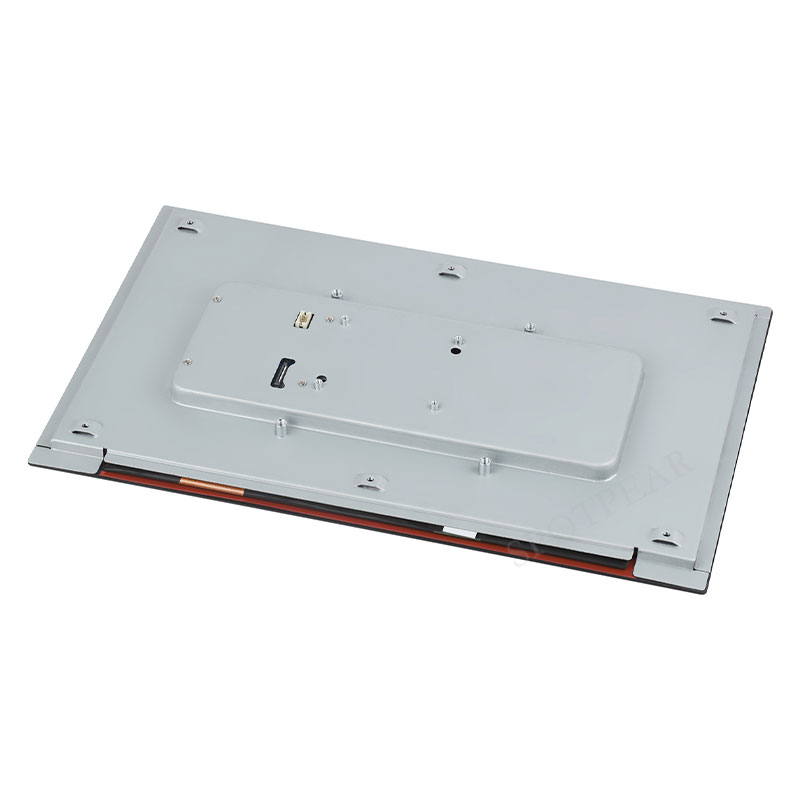
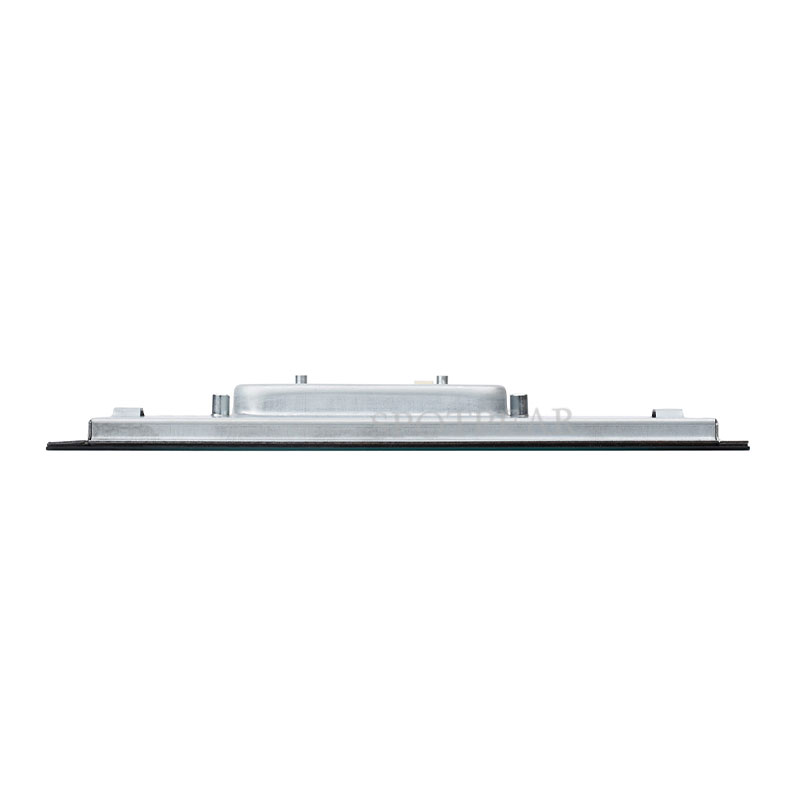
Raspberry Pi 13.3 inch DSI MIPI Display 13.3inch LCD Capacitive TouchScreen 1920x1080
$154.99
Brand:SpotPear
SKU:0105438
Date:2026-06-01 15:44
13.3″ DSI Capacitive Touch Display
1920 × 1080 High Resolution | Multi-Touch | Full Color
13.3″ DSI Capacitive Touch Display
1920 × 1080 High Resolution | Multi-Touch | Full Color
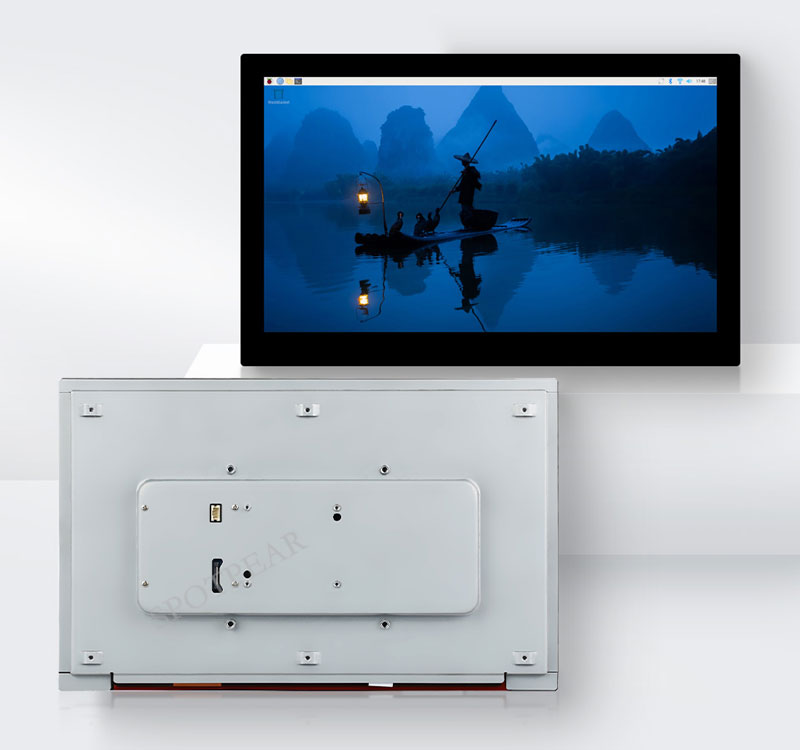
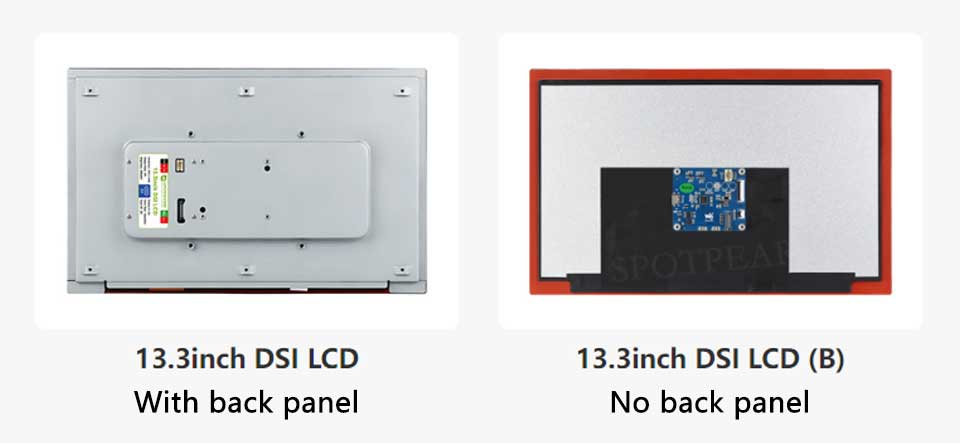
Version Selection
Device & System Support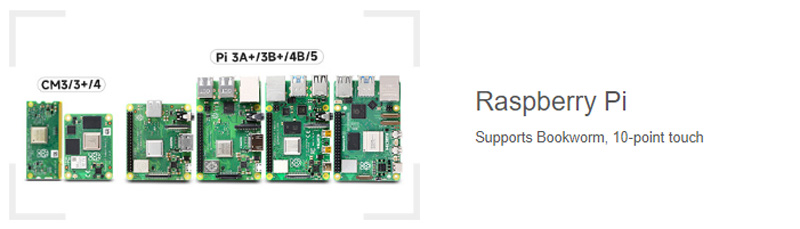
Device connection diagram
Connect to Raspberry Pi 5
Version with backplate
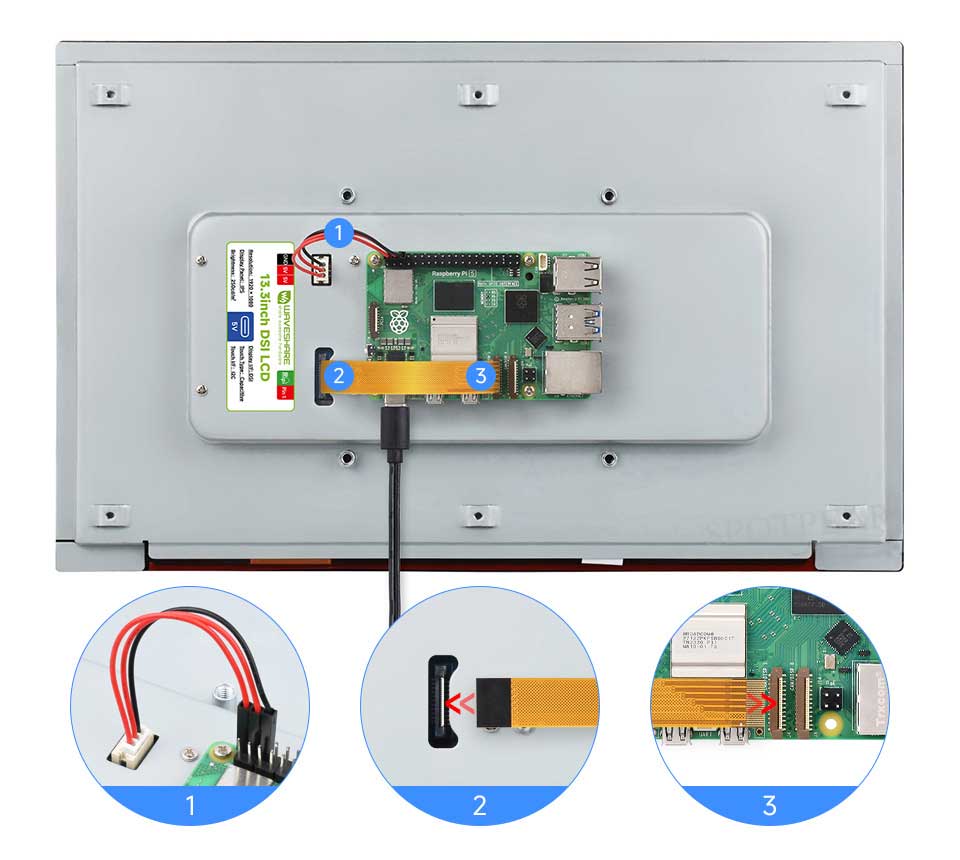
Please ensure the DSI cable is connected correctly and that 5V power is supplied via DuPont wires.
Version without backplate
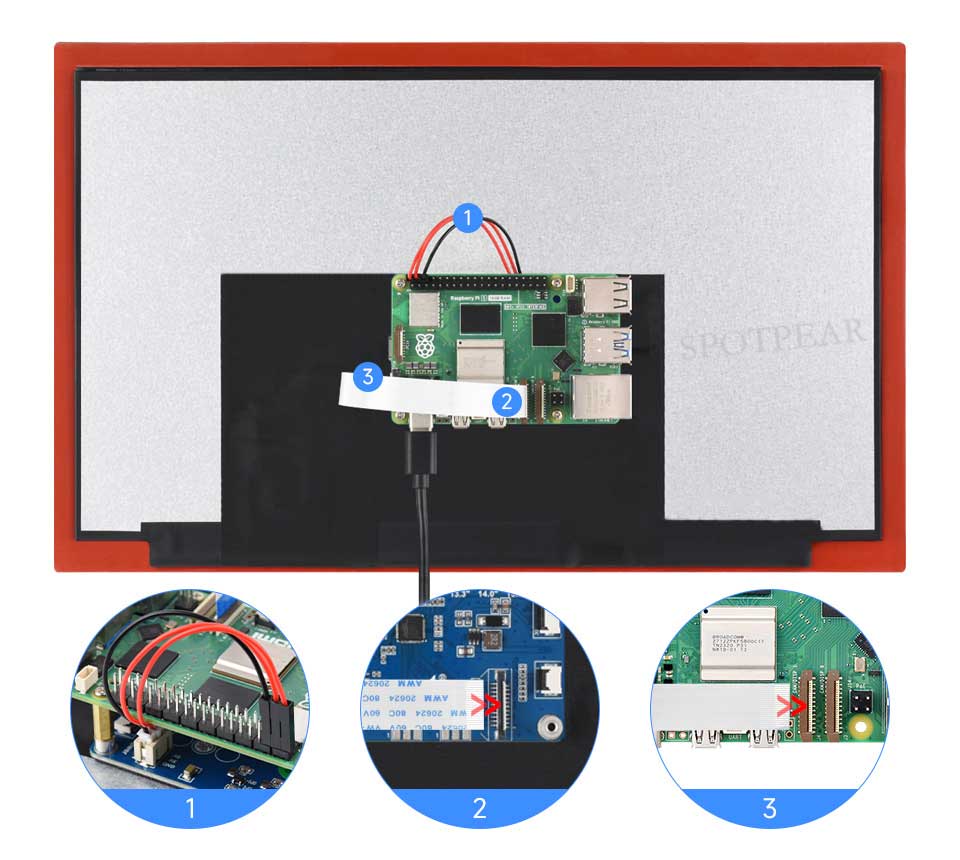
Please ensure the FFC wires are connected in the correct orientation and that 5V power is supplied via the DuPont wires.
Connect to Raspberry Pi 4B
Version with backplate
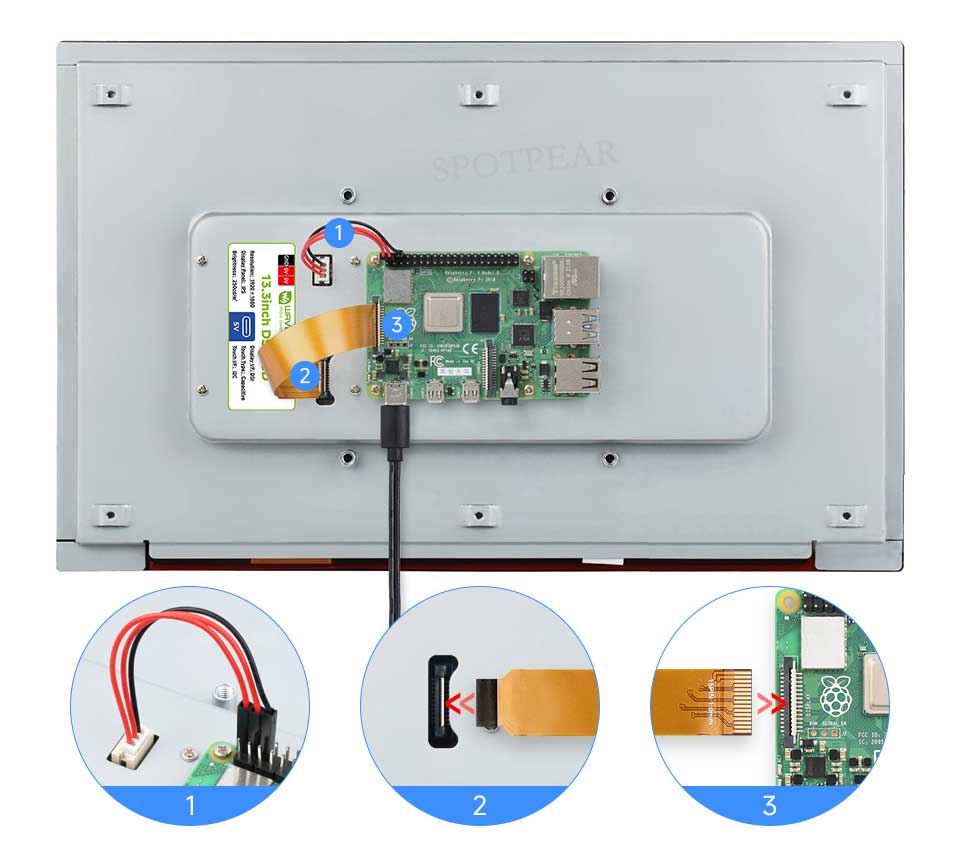
Please ensure the DSI cable is connected correctly and that 5V power is supplied via DuPont wires.
Version without backplate
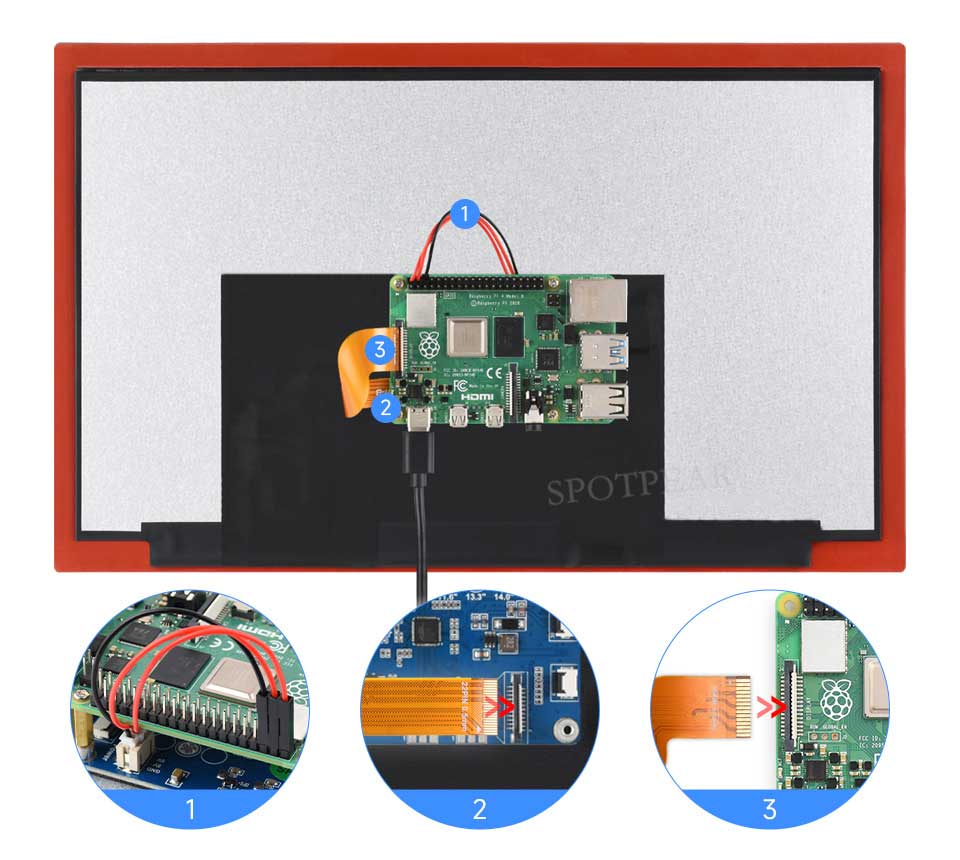
Please ensure the DSI cable is connected correctly and that 5V power is supplied via DuPont wires.
Connecting to Raspberry Pi Compute Module 4 IO Board
Version with backplate
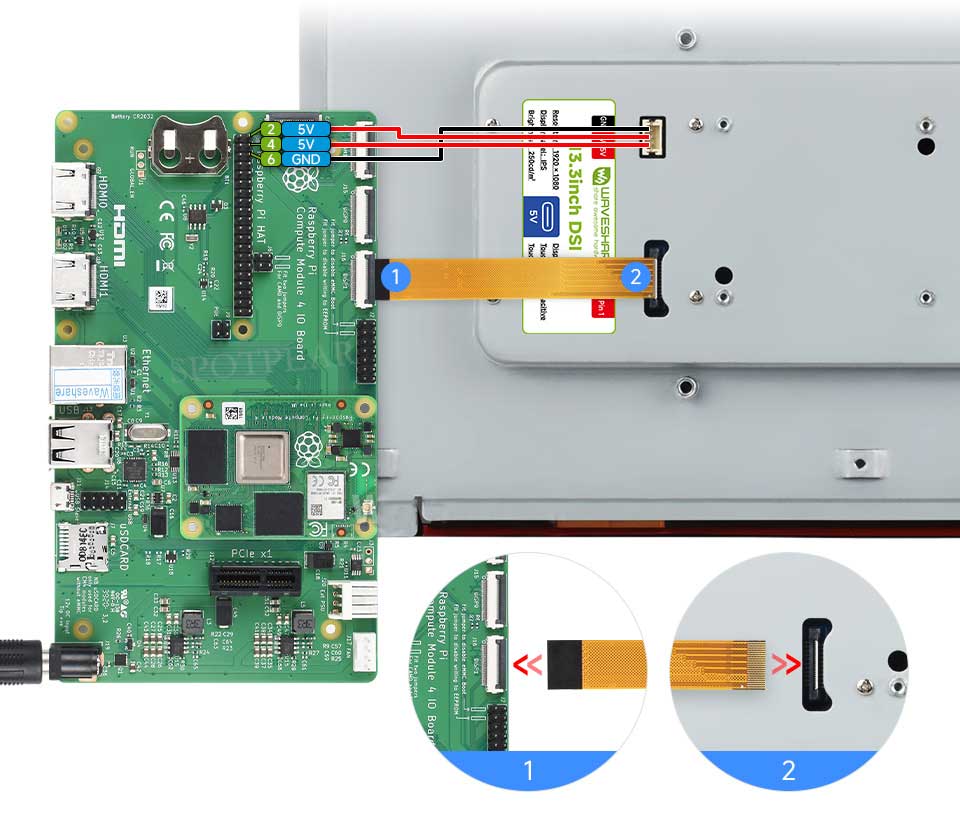
Please ensure the DSI cable is connected correctly and that 5V power is supplied via DuPont wires.
Version without backplate
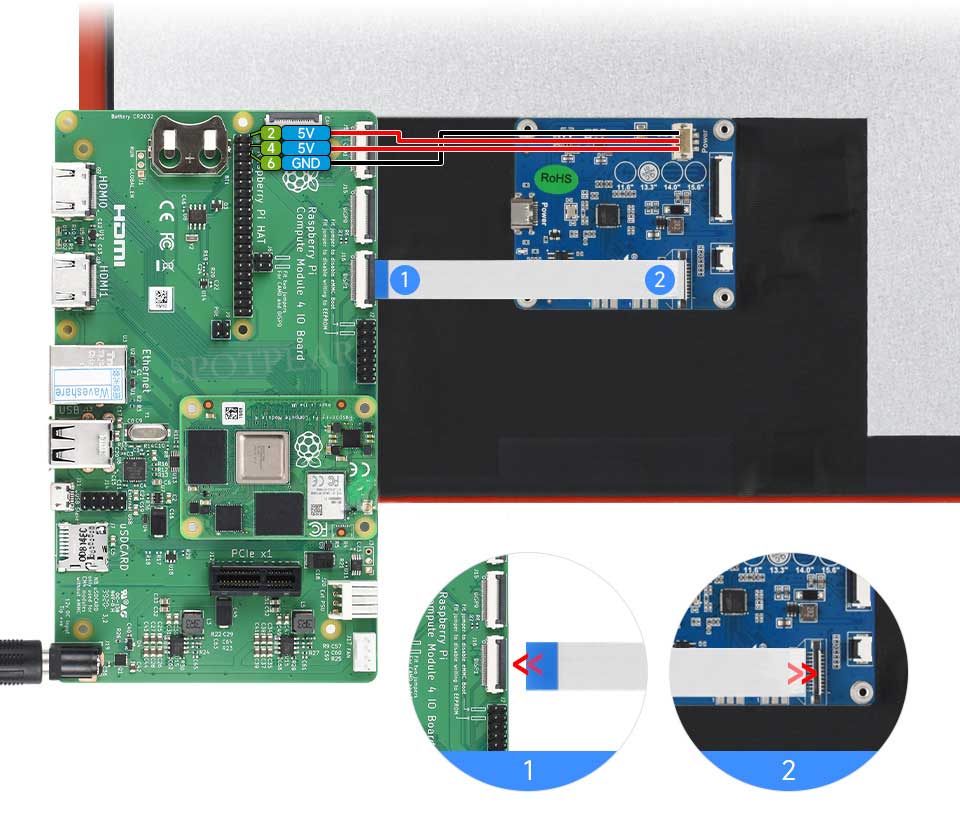
Please ensure the FFC wires are connected in the correct orientation and that 5V power is supplied via the DuPont wires.
Technology Upgrade, Better Image Quality
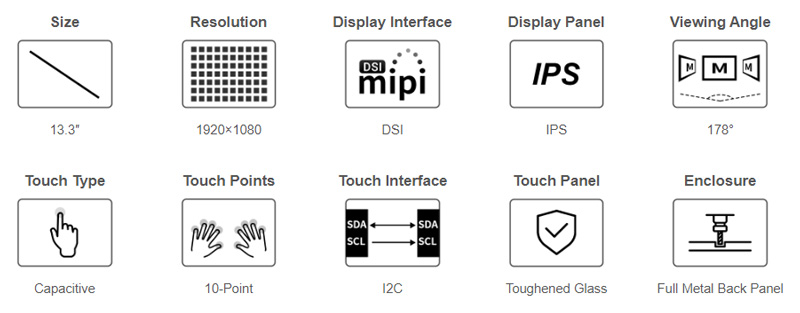
1920 × 1080 Resolution, Provides Clear Image And Vivid Color Display Effect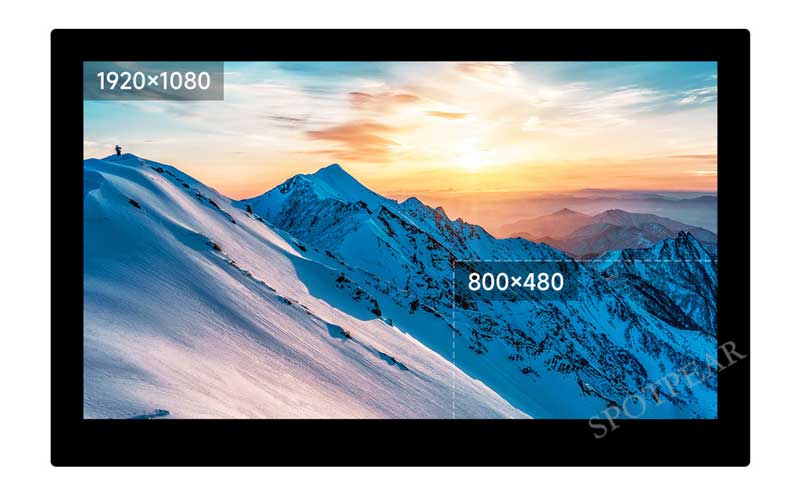
IPS Display Panel
Excellent Display Performance With 178° Wide Viewing Angle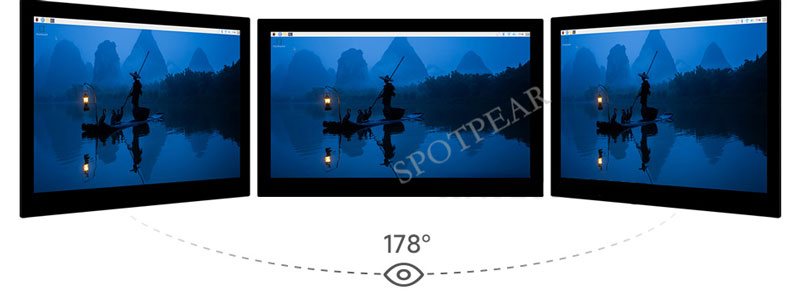
10-Point Capacitive Touch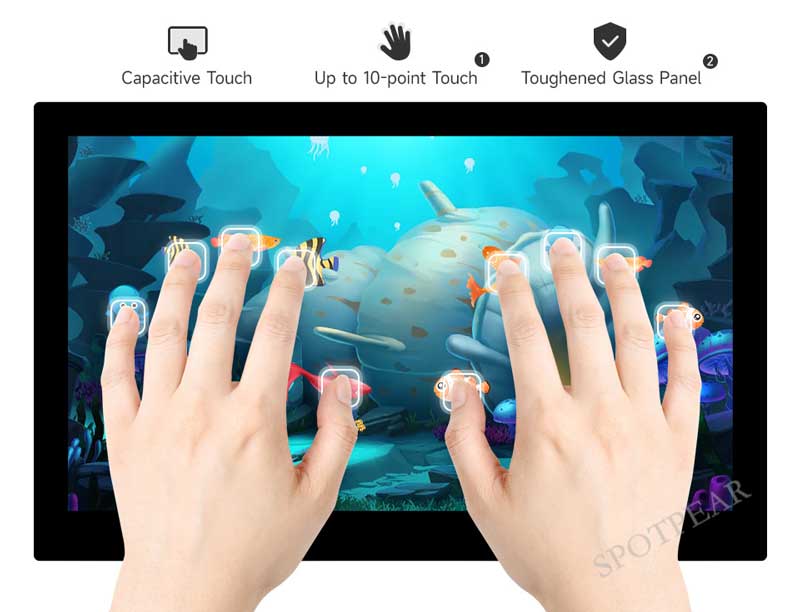
- up to 10-point touch, depending on the operating system
- up to 6H hardness toughened glass panel
Adjustable Brightness Via Software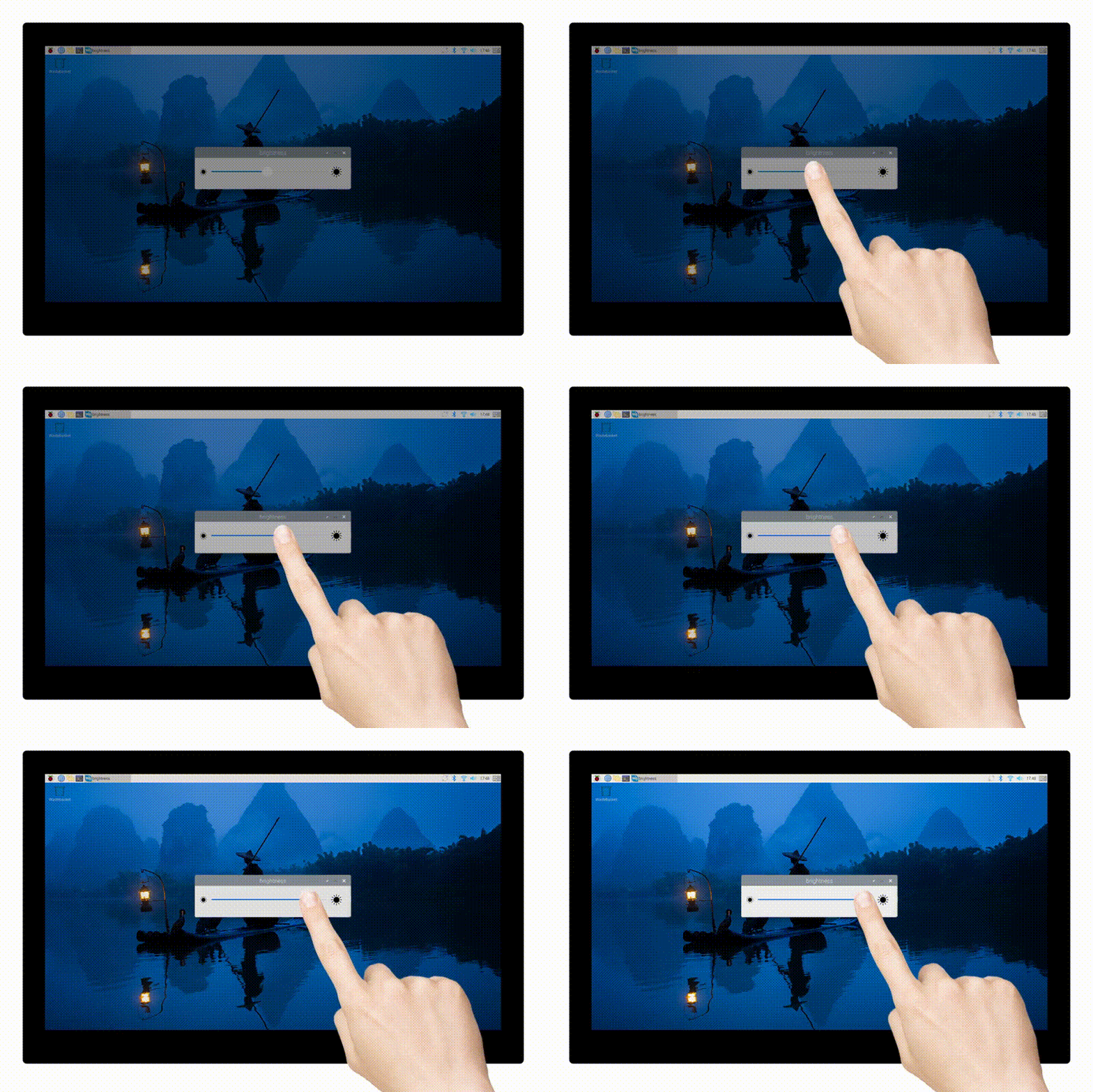
Supports Automatically Showing Or Hiding The Virtual Keyboard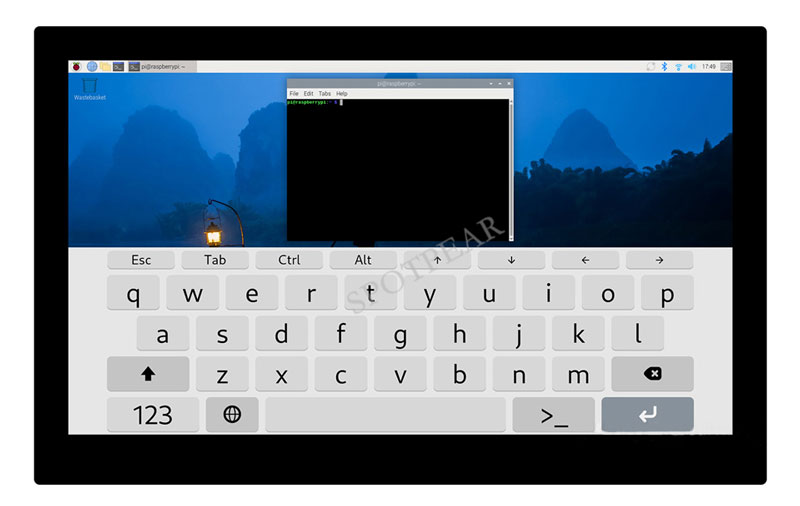
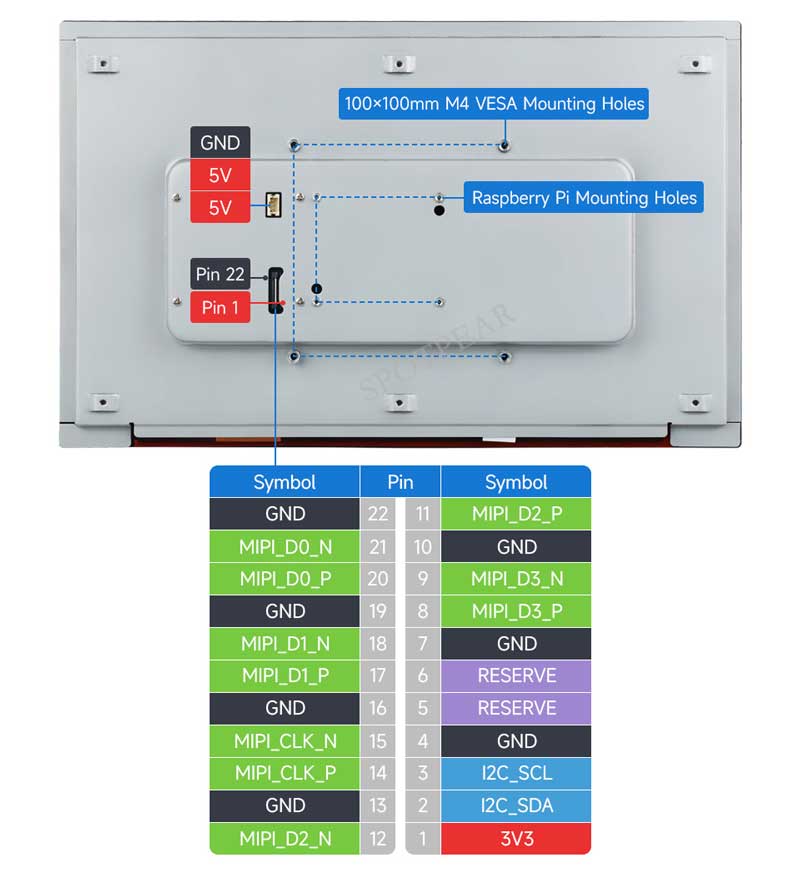
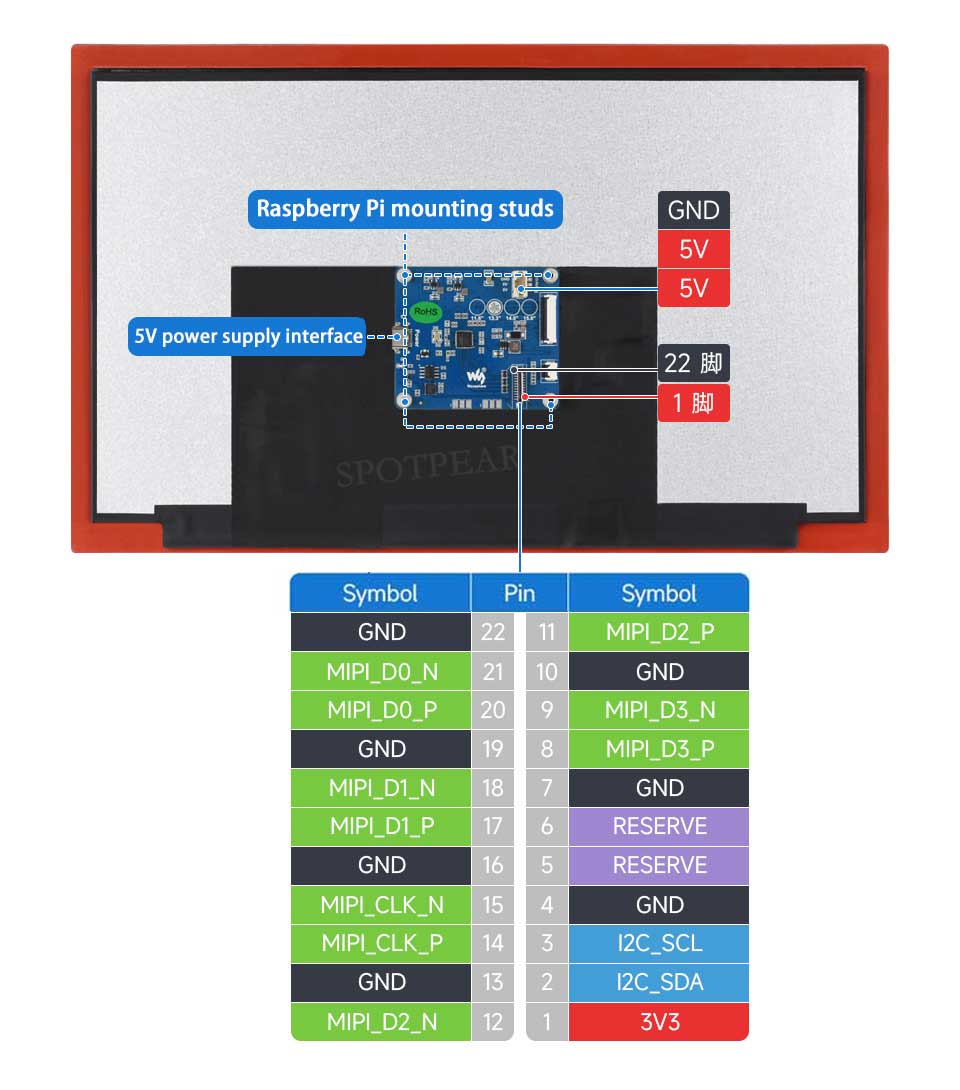
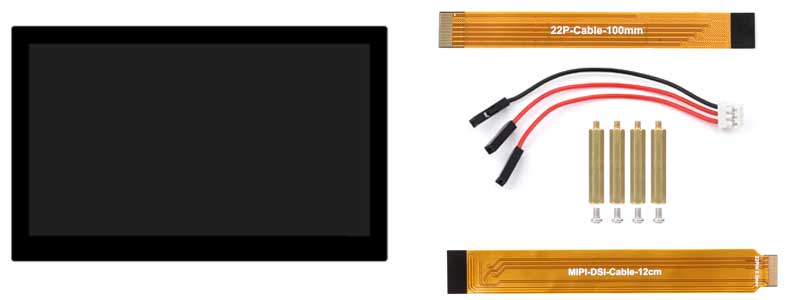
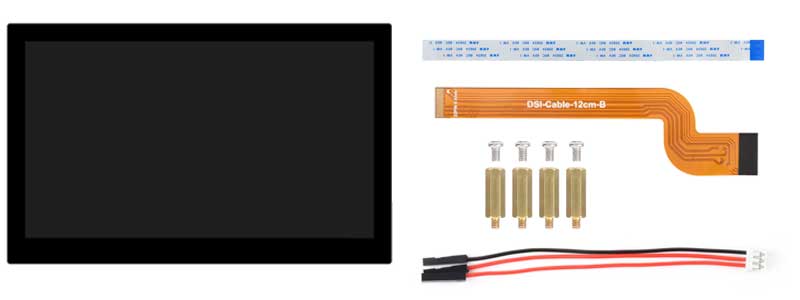
Interface Introduction
Version with backplate
Version without backplate
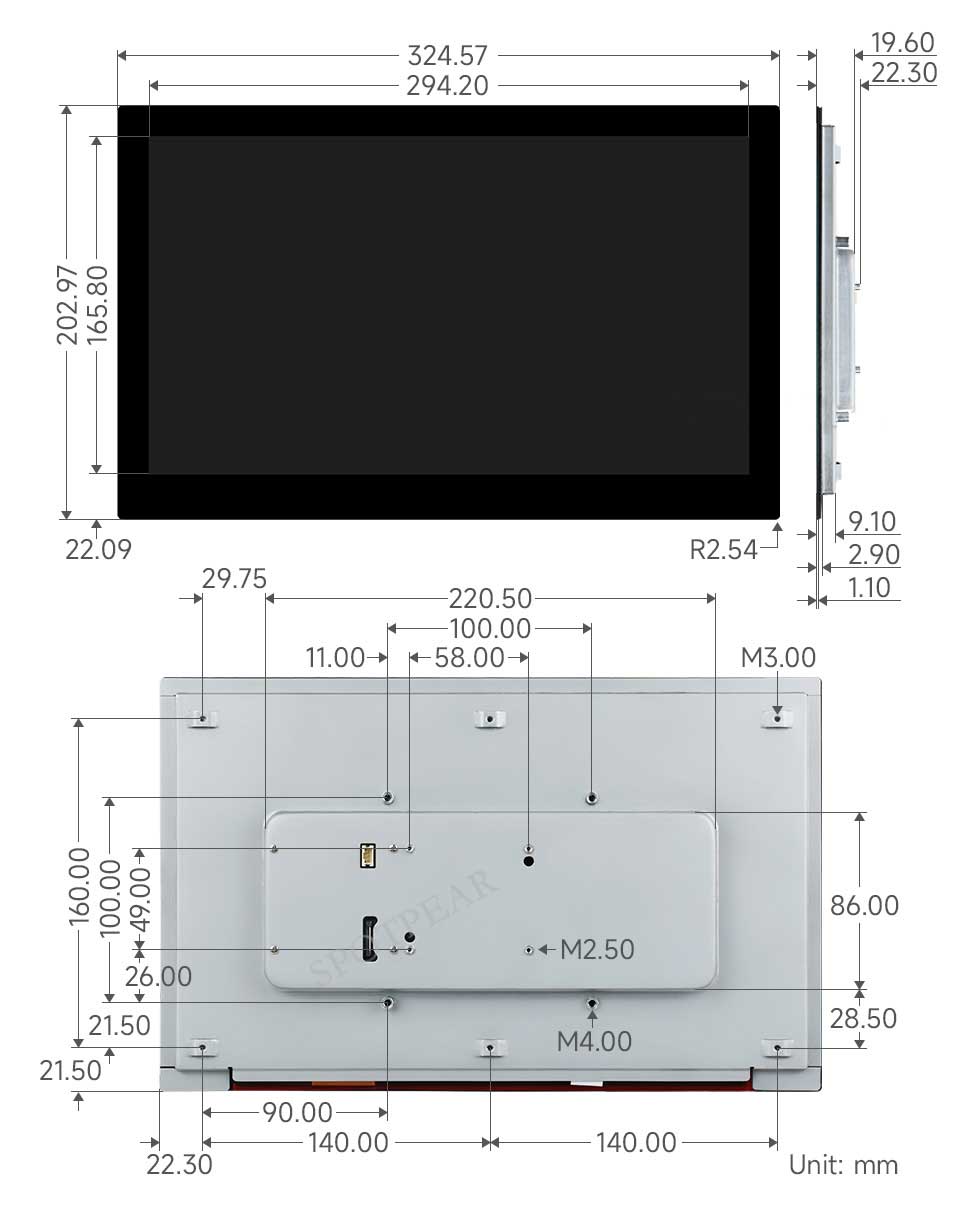
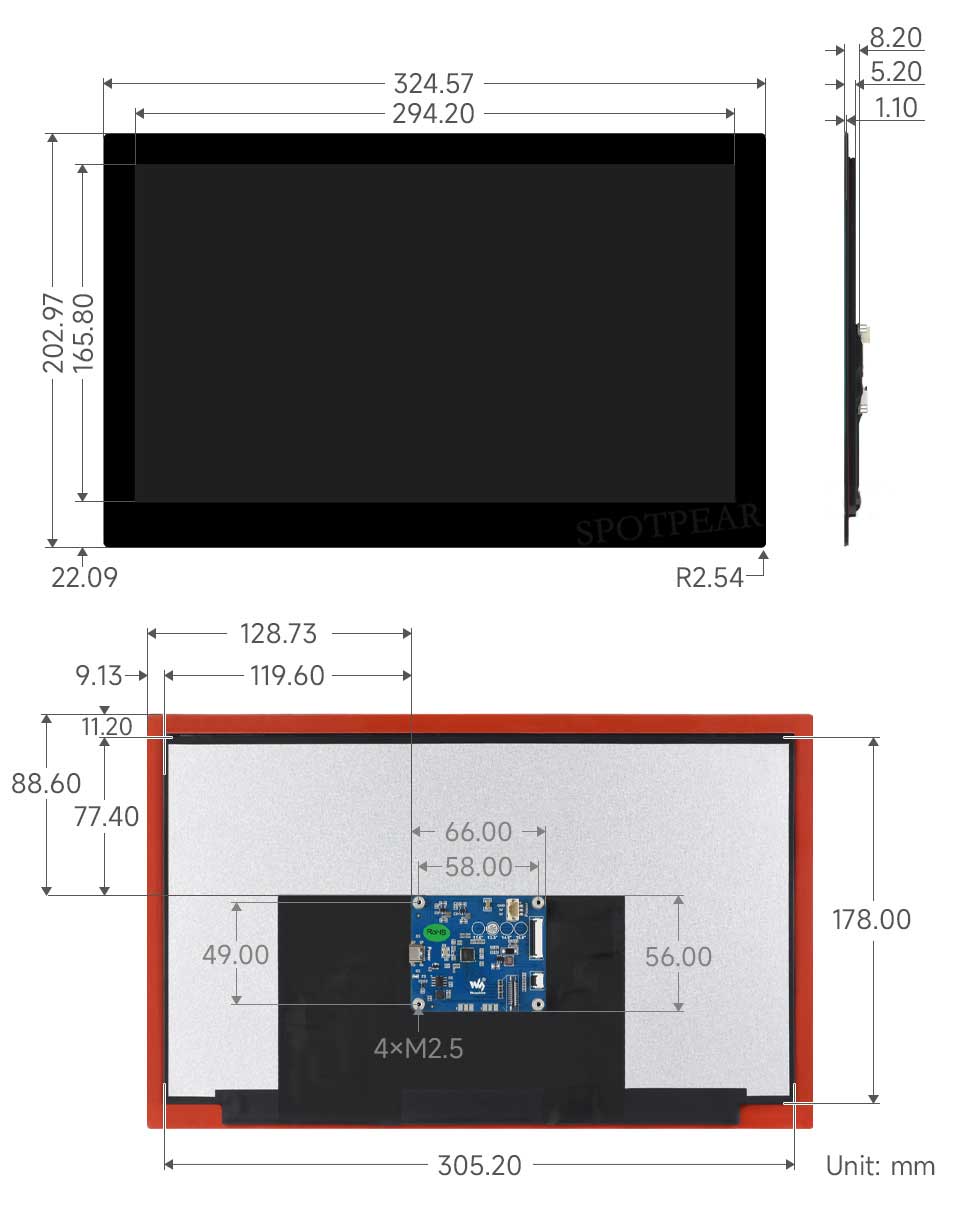
Dimensions
Version with backplate
Version without backplate
TAG:
Raspberry Pi 5 Case
Screen
Raspberry Pi 5
ESP32 S3 AI 1.75 inch Development Board with 1.75inch AMOLED Touchscreen Round Screen Deepseek
Jetson Nano Development Board IO-BASE-A For JETSON NANO B01
Raspberry Pi 5 POE PCIe To M.2 WIFI7
Raspberry Pi GNSS Expansion Board LG290P RTK Centimeter-Level Positioning GPS GLONASS Galileo BDS QZSS NavIC For Jetson ESP32 Arduino
Raspberry Pi 5 PoE
1.28 inch Round Rotary LCD Smart Screen 1.28inch Knob Display 240x240 Option Touch/No-Touch
Raspberry Pi 5 PCIe to USB Gen1 HUB and M.2 NVMe SSD PI5 Expansion board HAT+
USB to JTAG
NVIDIA Jetson Orin NX AI 70TOPS 100TOPS RAM 8GB 16GB System on Module NANO Size
RAM Monitor Screen
Raspberry Pi 5 D
KVM-A4 Raspberry Pi Zero 2W KVM
and Audio Speaker
Raspber Pi 5 27W Power
Raspberry Pi SIM7028
Raspberry Pi Long Bar Screen
Raspberry Pi HQ High Quality Camera 12.3MP IMX477 Sensor M12 Lenses
Forum: