- sales/support
Google Chat:---
- sales
+86-0755-88291180
- sales01
sales@spotpear.com
- sales02
dragon_manager@163.com
- support
tech-support@spotpear.com
- CEO-Complaints
zhoujie@spotpear.com
- Only Tech-Support
WhatsApp:13246739196
- Purchase/Shipping/Refund
WhatsApp:13424403025
- HOME
- >
- PRODUCTS
- >
- Other Linux Board
- >
- Horizon
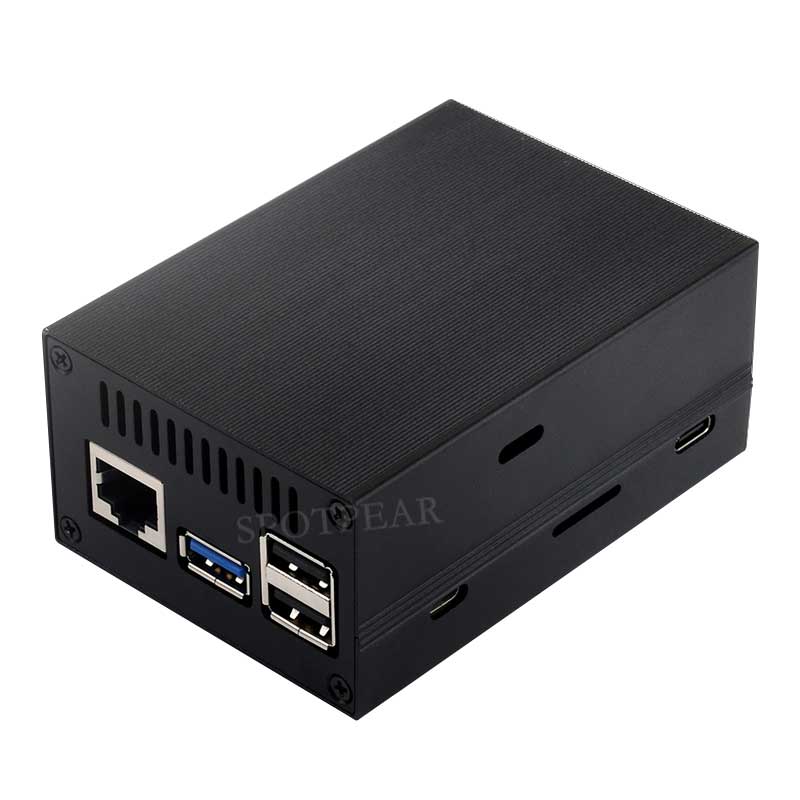
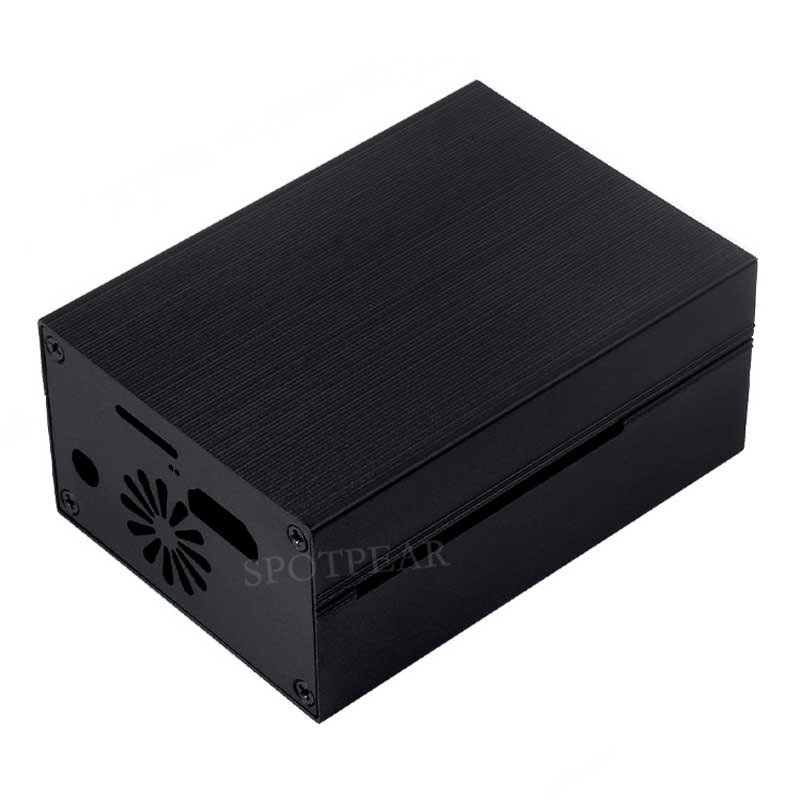
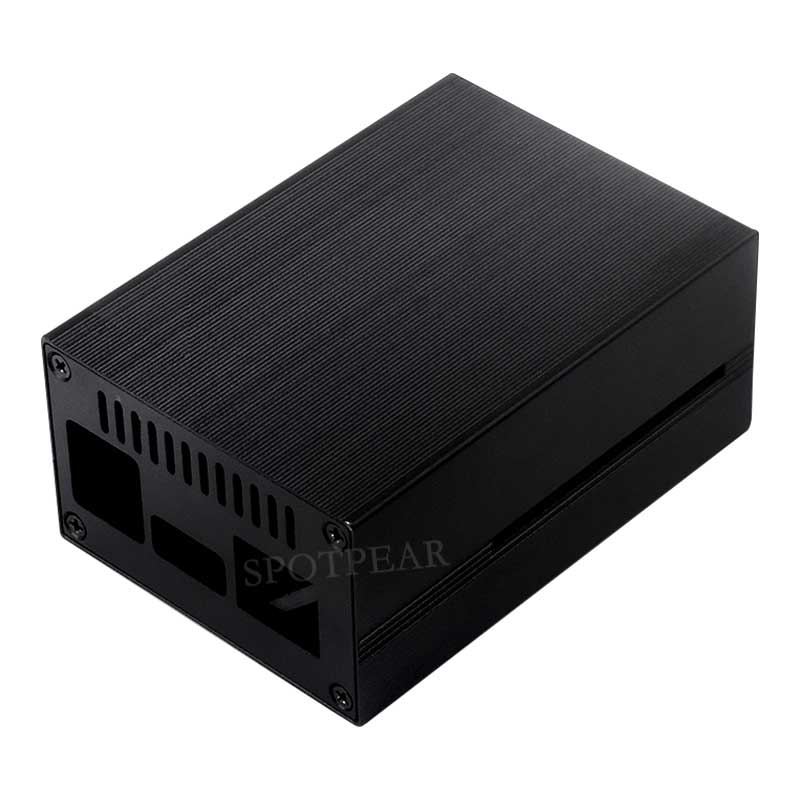
RDK X3 Aluminum Alloy Material Cooling Case Built-In Active Radiator With Fins
$11.31
Brand:SpotPear
SKU:0804011
Date:2024-10-18 17:32
Part Number:
Aluminum Cooling Case For RDK X3
Aluminum Alloy Material, Built-In Cooling Fan
Aluminum Cooling Case For RDK X3
Aluminum Alloy Material, Built-In Cooling Fan
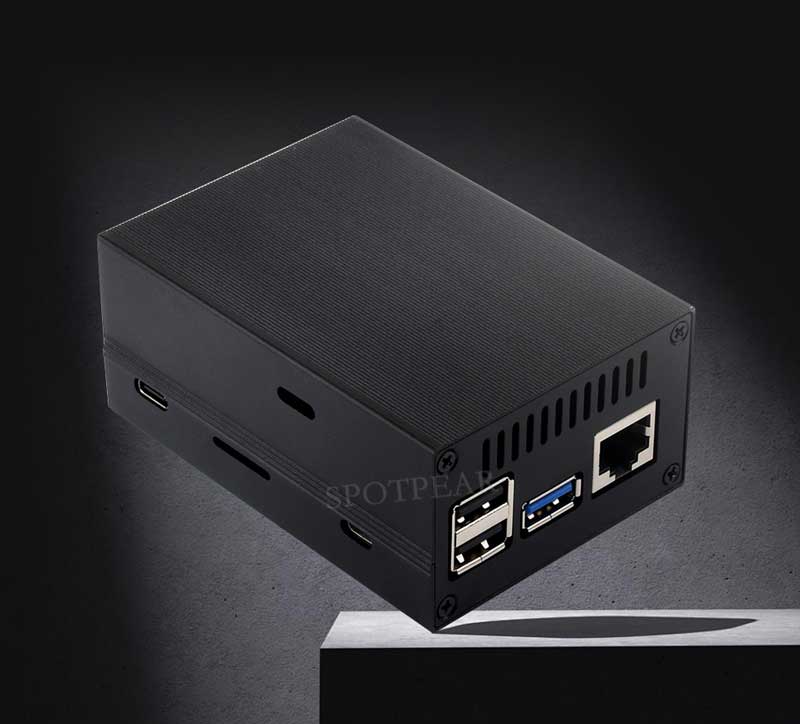
Aluminum alloy material
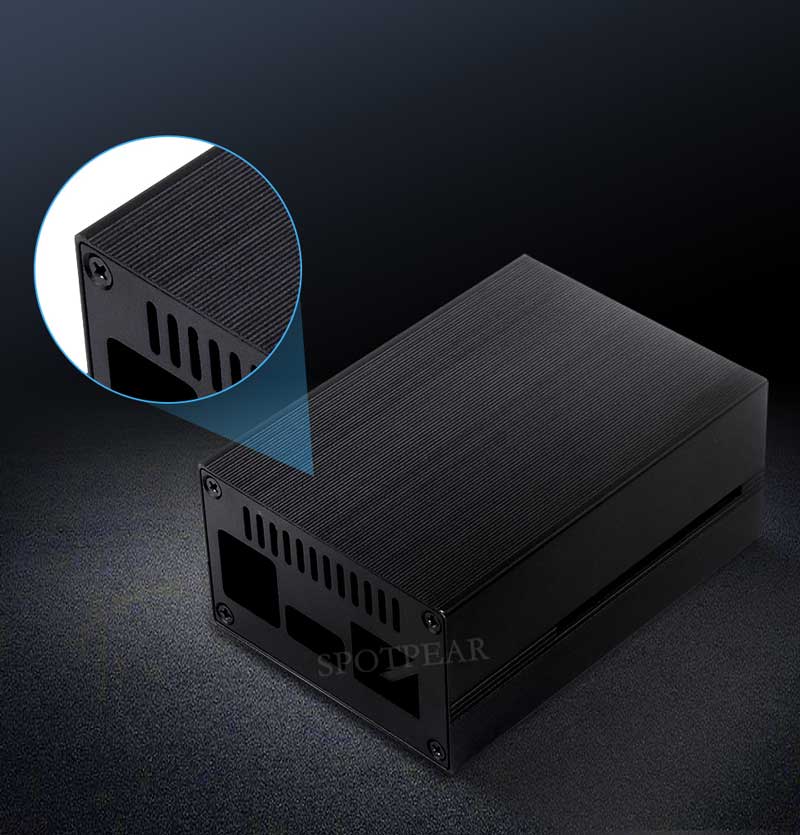
Active Radiator With Fins
Multi-Layer Fins Increase The Air Contact Surface, Along With Built-In Cooling Fan,
More Efficient Heat Dissipation
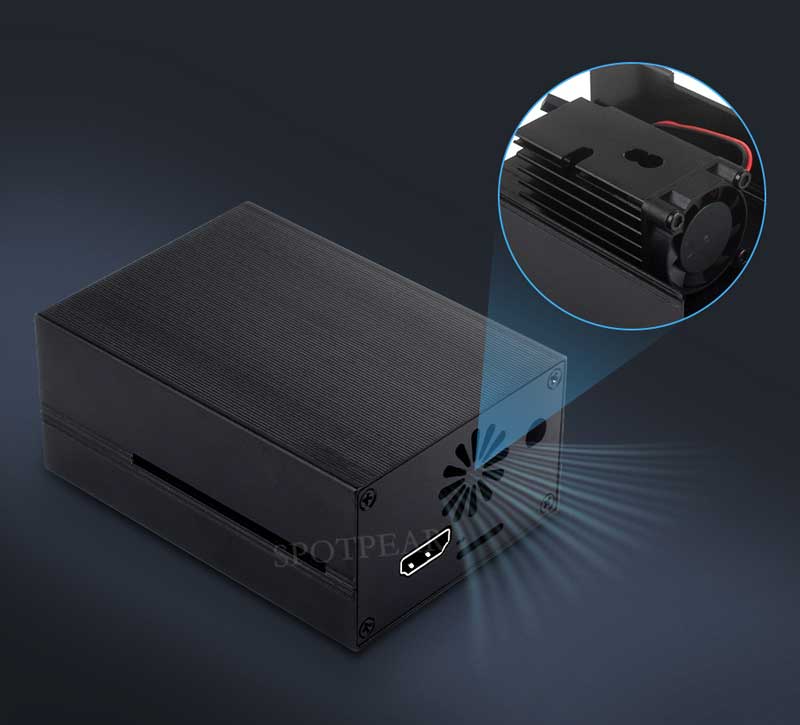
for reference only, RDK X3 is NOT included.
How To Install
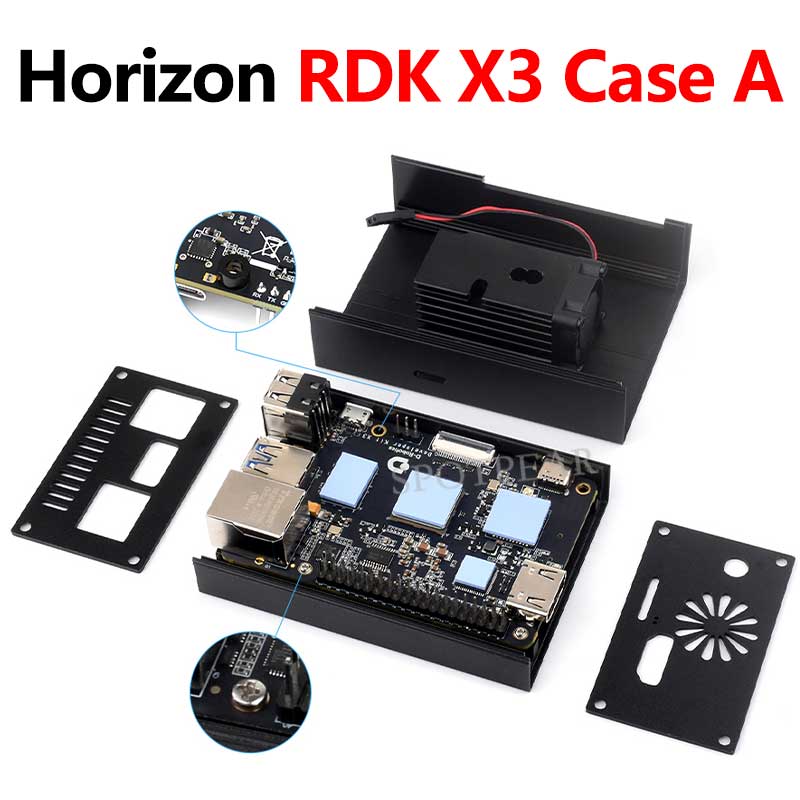
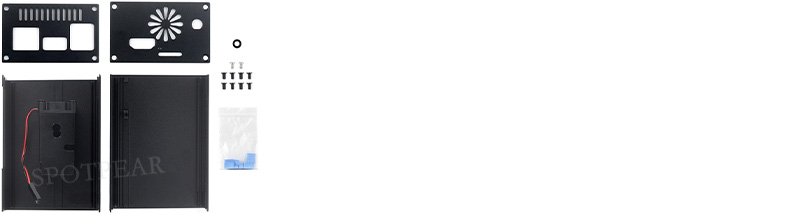
As shown in the figure below, install the heat sink on the corresponding position of the RDK X3 in advance, and attach the black plastic spacer on the back of the screw hole near the Micro USB port (as shown in the picture). Then align the Raspberry Pi with the holes and fix it on the bottom case with silver screws, and install the side panels and lock them via screws.
* Please note that the larger screw holes of the side panels should face outward.
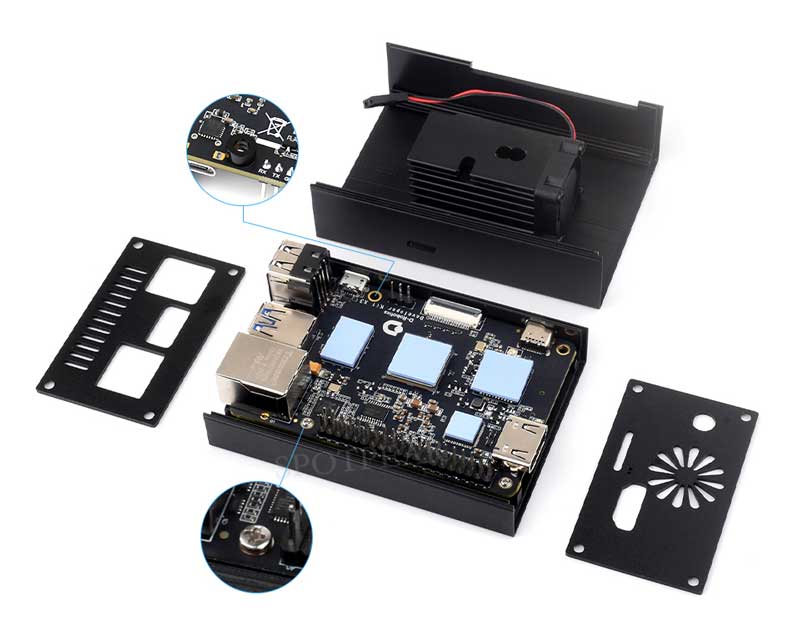
Aluminum Alloy Material, Built-In Cooling Fan
Aluminum alloy material
Active Radiator With Fins
Multi-Layer Fins Increase The Air Contact Surface, Along With Built-In Cooling Fan,
More Efficient Heat Dissipation
for reference only, RDK X3 is NOT included.
How To Install
Step 1
As shown in the figure below, install the heat sink on the corresponding position of the RDK X3 in advance, and attach the black plastic spacer on the back of the screw hole near the Micro USB port (as shown in the picture). Then align the Raspberry Pi with the holes and fix it on the bottom case with silver screws, and install the side panels and lock them via screws.
* Please note that the larger screw holes of the side panels should face outward.
Step 2
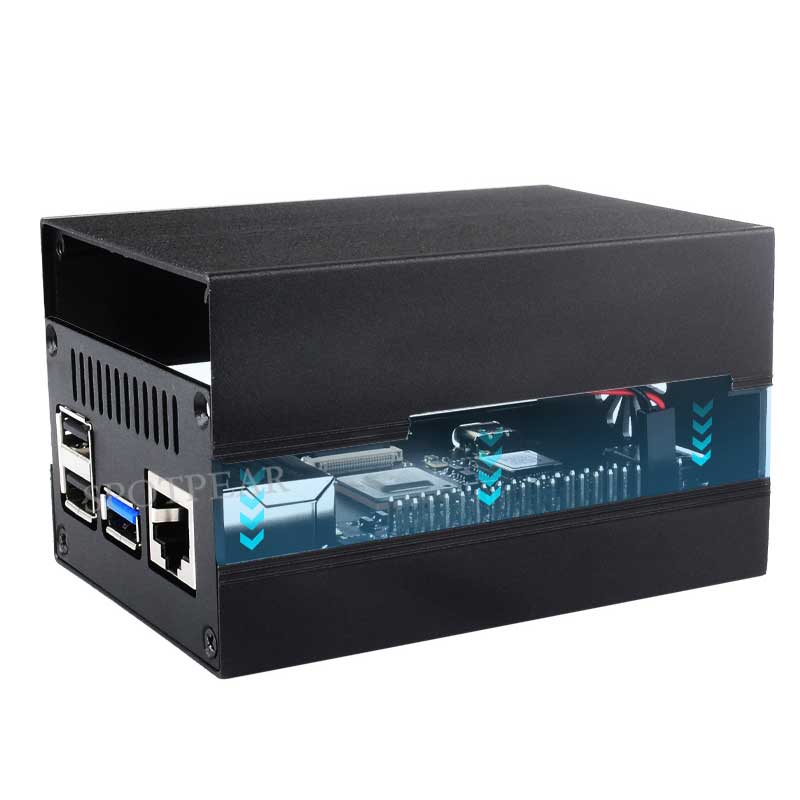
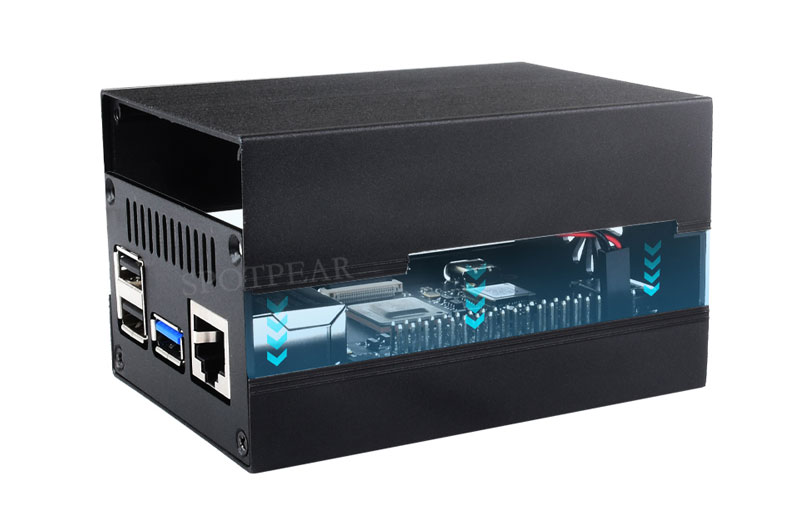
After connecting the fan, directly insert the cover down and close, then lock the screws.
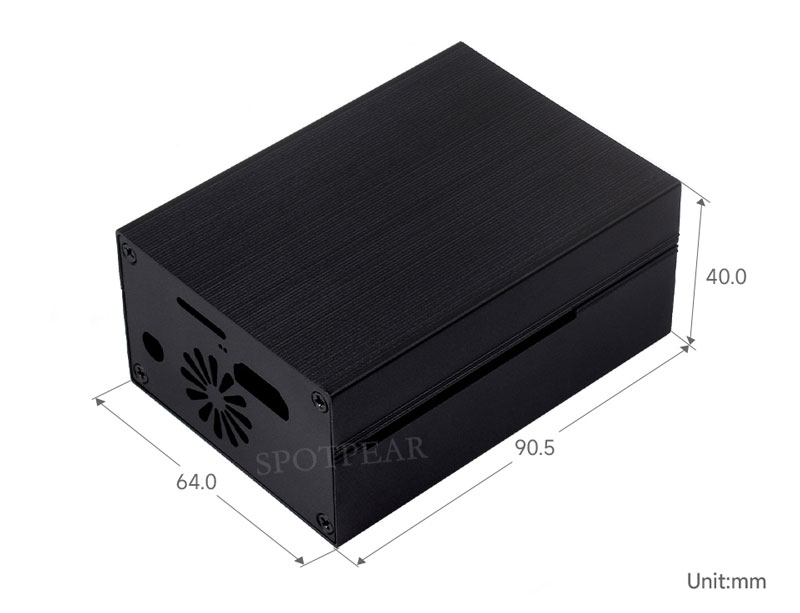
Outline Dimensions
TAG:
ESP32 S3
Raspberry Pi
Milk-V
ESP32 IR Thermal Imaging Camera
Intel Wireless WLAN BE200 WiFi7 Bluetooth 5.4
RDK X3 Case
Raspberry Pi 5 PCIe M.2 5G 4G 3G SIM8262E-M2
Raspberry Pi 5 Audio
Raspberry Pi 4/4.3 inch DSI MIPI LCD TouchScreen Display 4/4.3inch 480x800 For Luckfox Lyra RK3506/ESP32-P4/Luckfox Omni3576
Raspberry Pi 5 Heatsink
PI5
ESP32 S3 Development Board 2.8 inch LCD Capacitive Touch Screen 2.8inch Display 240×320 N16R8
LCD1602 I2C Arduino Raspberry Pi Pico Jetson Nano ESP32
Raspberry Pi 0.96inch RGB OLED
Raspberry Pi 0.96inch LCD
Raspberry Pi Pico 2 RP2350B 4.3inch Capacitive TouchScreen 4.3 inch LCD Display Development Board 800×480
Gift ornaments
Industrial Modbus RTU RS485 8-ch 30A High Current Relay Module (E) With Digital Input
GPS LCD Driver Board
ESP32 C3 LCD 1.3 inch Display Screen ST7789 240x240 3D Transparent Refractive Prism Mini TV Arduino
Forum: