I try to compile the demo miniapp, but I only get a white screen.
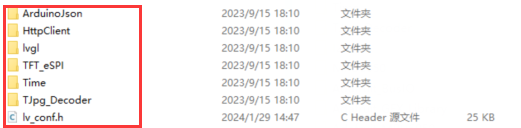
I'm using the library tft_espi from the miniapp folder moved to my /home/user/Arduino/libraries
I've tried with visual studio code and with arduino 1.8.19
No errors in compilation or uploading to the board.
Thanks for your help and ideas
The Problem:
When compiling the demo code with the latest Arduino ESP32 Board Manager version (3.0.0 or higher), the code uploads but the screen remains completely white/blank. This happens because the libraries provided are not compatible with the new ESP32 Core 3.x architecture yet.
The Solution:
The user MUST downgrade the ESP32 Board version in the Arduino IDE.
- Go to Tools > Board > Boards Manager.
- Search for "esp32".
- Select version 2.0.14 (or any 2.0.x version) instead of the latest version.
- Install and re-upload the code.
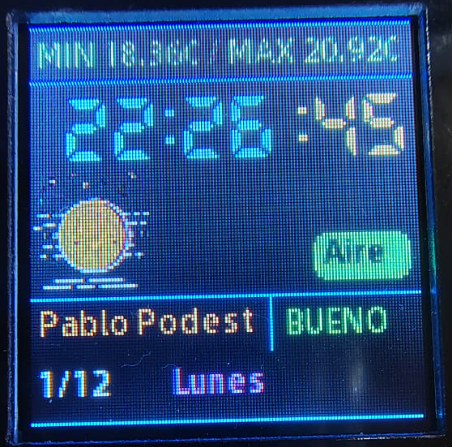
After doing this downgrade to v2.0.14, the screen works perfectly with your original factory code and pin configuration.