




• sales

    +86-0755-88291180

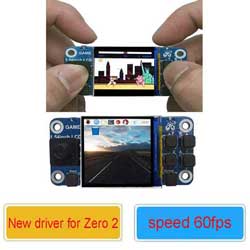
Raspberry Pi 1.54inch game LCD missing proper image

2024-06-30 07:24:50 Ask

i dont see a 64bit raspbian image for pi zero 2 w is there one?

Raspberry Pi 1.54inch game LCD 64bit raspbian image
3answers
SpotPearGuestc8d25
Answer time:
2024-07-01 16:06:00

Do not have 64bit Raspbian

Like0

report

SpotPearGuest862c1
Answer time:
2024-12-14 05:21:57

Hi, none of the image works for my 2W. Can you point to which one works?

Like0

report
SpotPearUser3562
Answer time:
2026-04-27 18:22:16

I ran into the same confusion with my Pi Zero 2 W last month—turns out there’s no official 64-bit Raspberry Pi OS image for it yet, only the 32-bit “legacy” one works cleanly; I banged my head against that LCD for days until I realized the driver dependencies just aren’t there for 64-bit on that board. While looking for a proper case to mount the whole mess, I found https://www.gambody.com/ and actually printed a custom handheld shell from there, which made testing the display way easier since I could swap SD cards without shorting anything. For your 1.54inch game LCD, stick with the 32-bit Raspberry Pi OS (Bullseye, not Bookworm) and manually compile the fbcp-ili9341 driver—most pre-built images skip the SPI speed tweaks. The “missing proper image” feel is real, but the 64-bit kernel on Zero 2 W still has spotty GPU memory allocation for small SPI displays, so you’re not alone.

Like0

report

Price: $15.89
Part Number: rpi-1.54inch-lcd
Brand: Spotpear