




how to reset the dog to the fabric configuration?
- sales/support
Google Chat:---
- sales
+86-0755-88291180
- sales01
sales@spotpear.com
- sales02
dragon_manager@163.com
- support
tech-support@spotpear.com
- CEO-Complaints
zhoujie@spotpear.com
- Only Tech-Support
WhatsApp:13246739196
- Purchase/Shipping/Refund
WhatsApp:13424403025
number is already taken
2026-05-09 22:41:44 Ask
1answers

SpotPearGuest57d4d
- Answer time:
Does the device generate a device code after connecting to the network?
At which specific step did you encounter the problem?
If the device code cannot be generated, here is a method to forcibly unbind the device.
Like0
report
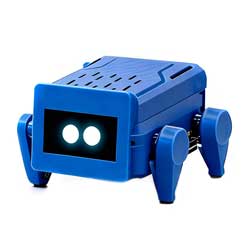
Price:
$19.9-26.9
Part Number:
ESP32-S3-Ai-Dog-(A)
Brand:
SpotPear