- sales/support
Google Chat:---
- sales
+86-0755-88291180
- sales01
sales@spotpear.com
- sales02
dragon_manager@163.com
- support
tech-support@spotpear.com
- CEO-Complaints
zhoujie@spotpear.com
- Only Tech-Support
WhatsApp:13246739196
- Purchase/Shipping/Refund
WhatsApp:13424403025
- HOME
- >
- ARTICLES
- >
- Common Moudle
- >
- ESP
ESP32-C3-1.28 User Guide
1.Using and installing arduino IDE
1.1 Download Arduino IDE:https://www.arduino.cc/en/software Install the latest version
1.2 Configuring ESP32 development environment in arduino IDE
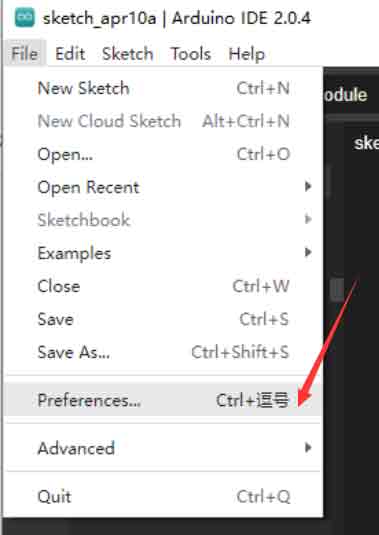
(1) Open the arduino IDE, click on File, and then click on preferences
(2)Click to display the following page and copy the link.
https://raw.githubusercontent.com/espressif/arduino-esp32/gh-pages/package_esp32_dev_index.json
Go to the screenshot below.
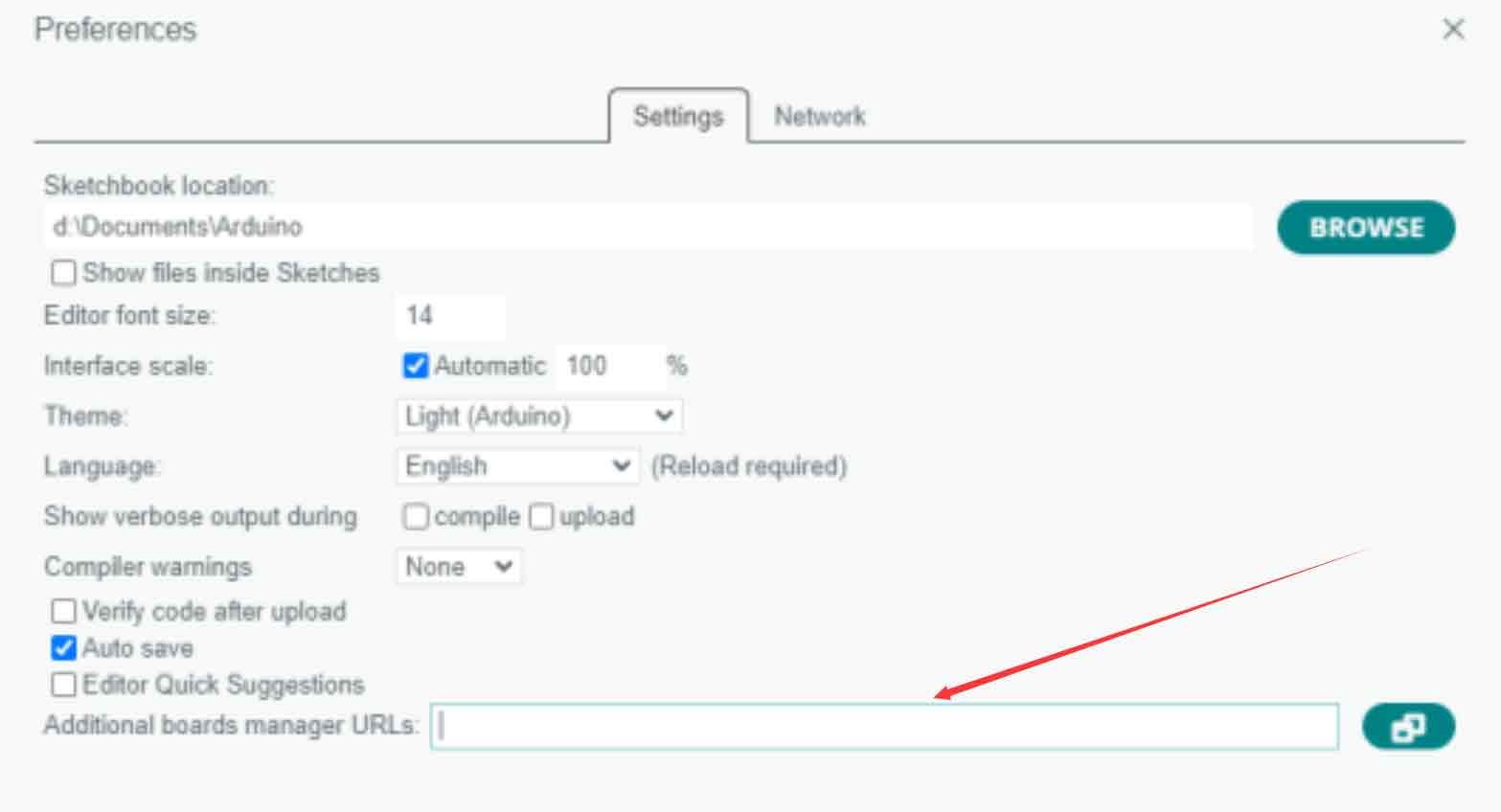
Click OK
(3) Click Tools.
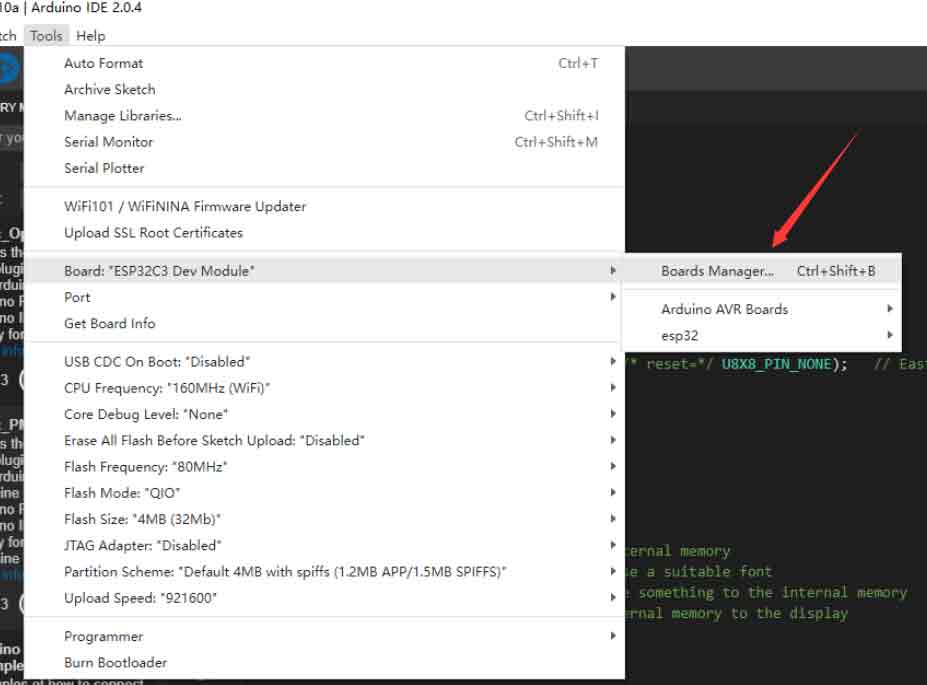
(4) Search esp32 in the search box, click IN STALLED and a pop-up window will pop up, then click OK, and wait for the installation to be completed.
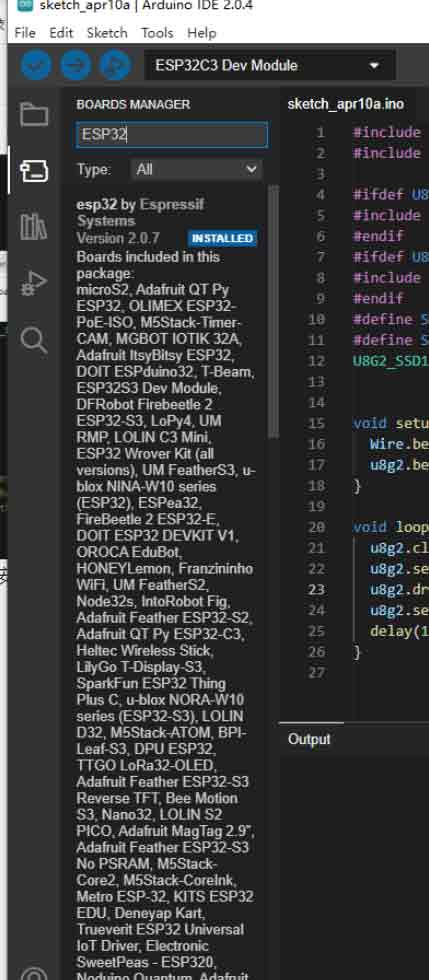
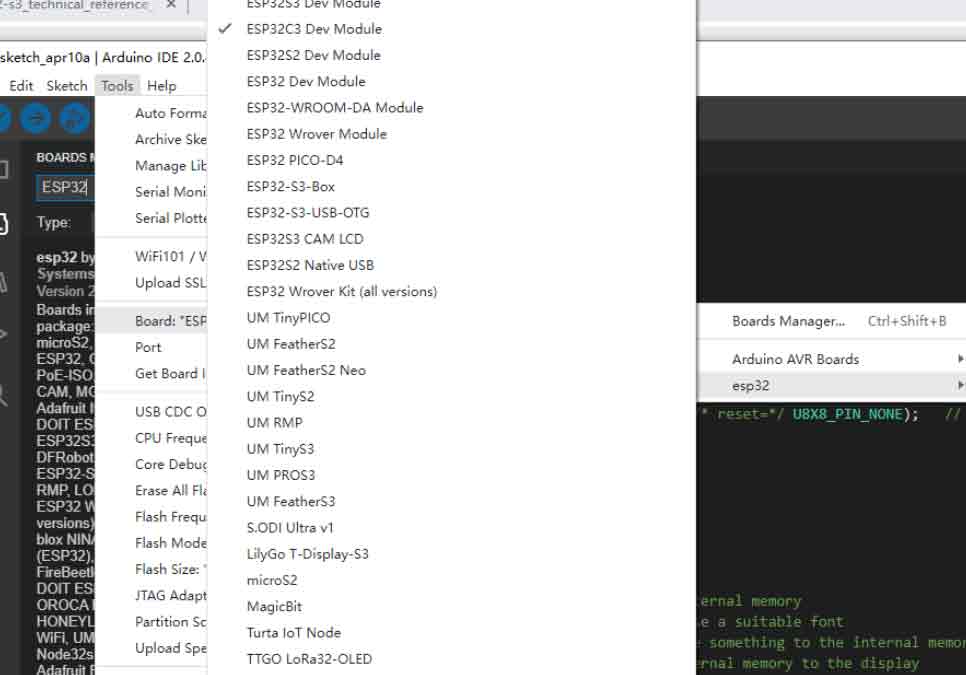
(5) After the installation, you can use the esp32 series chip package, for example, you can choose esp32 -c3 series.
2. Test sample program
(1)Download the sample program:ESP32C3_1.28inch
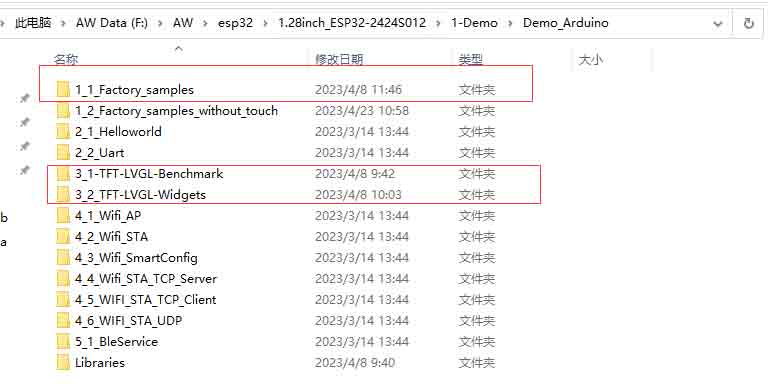
(2)These three examples need to install the LovyanGFX library in advance.
(3)Click on this and search for LovyanGFX.
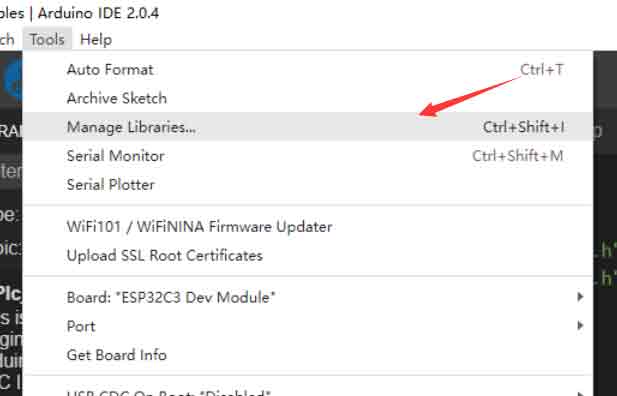
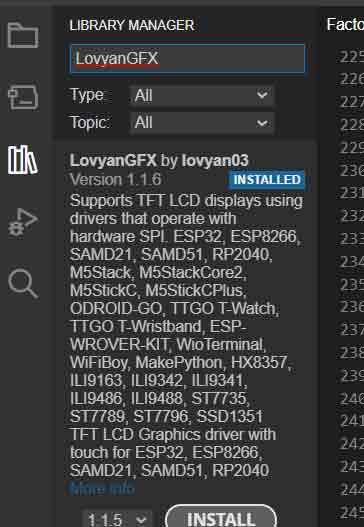
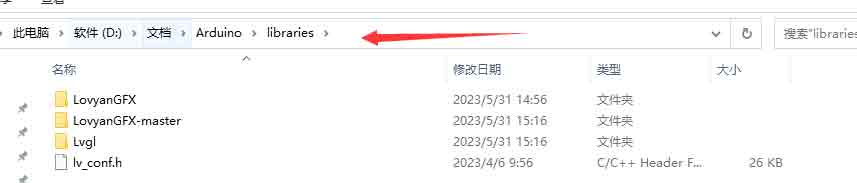
(4)Just put the Libraries in the example in the Arduino /libraries folder.
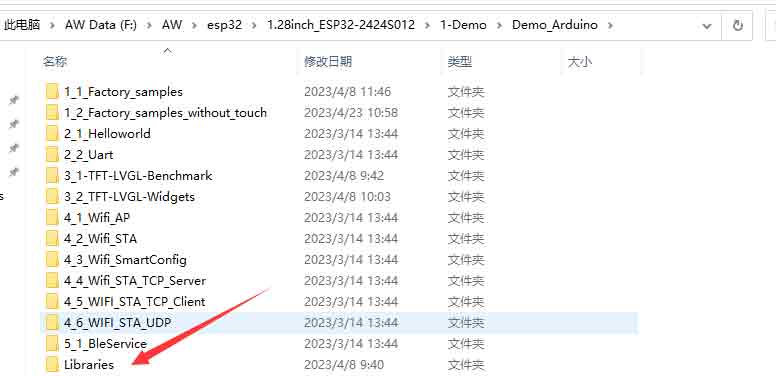
Note: Under the text box path, everyone's path is different.

(5)Configure Arduino IDE ESP32C3 environment parameters

Finally, it can be compiled.

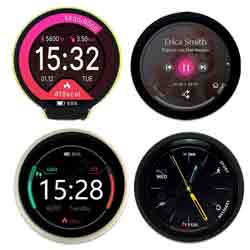
(5) The effect after compilation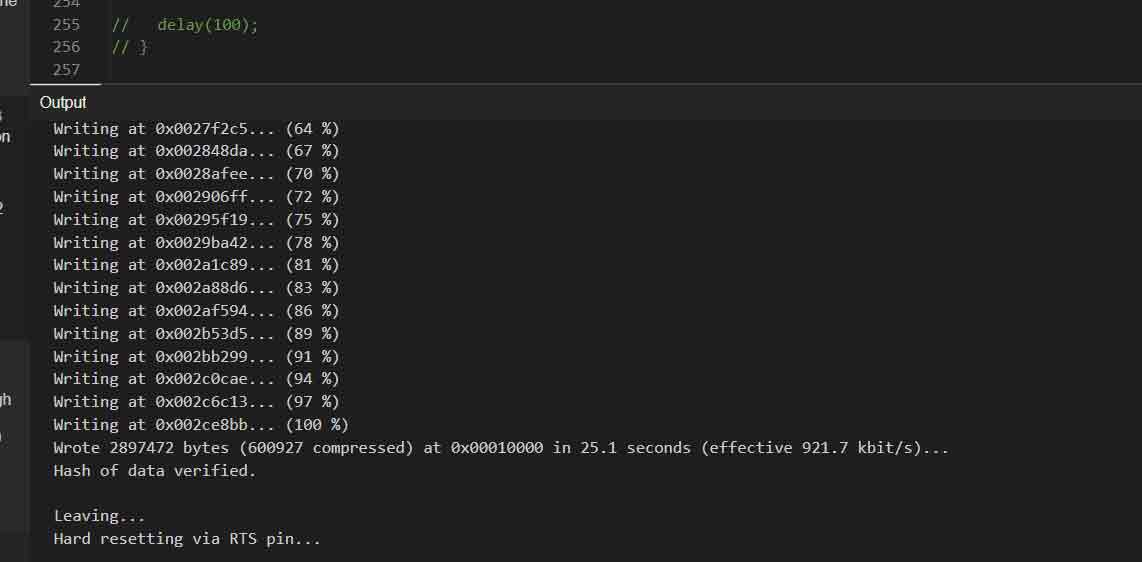
example.mp4
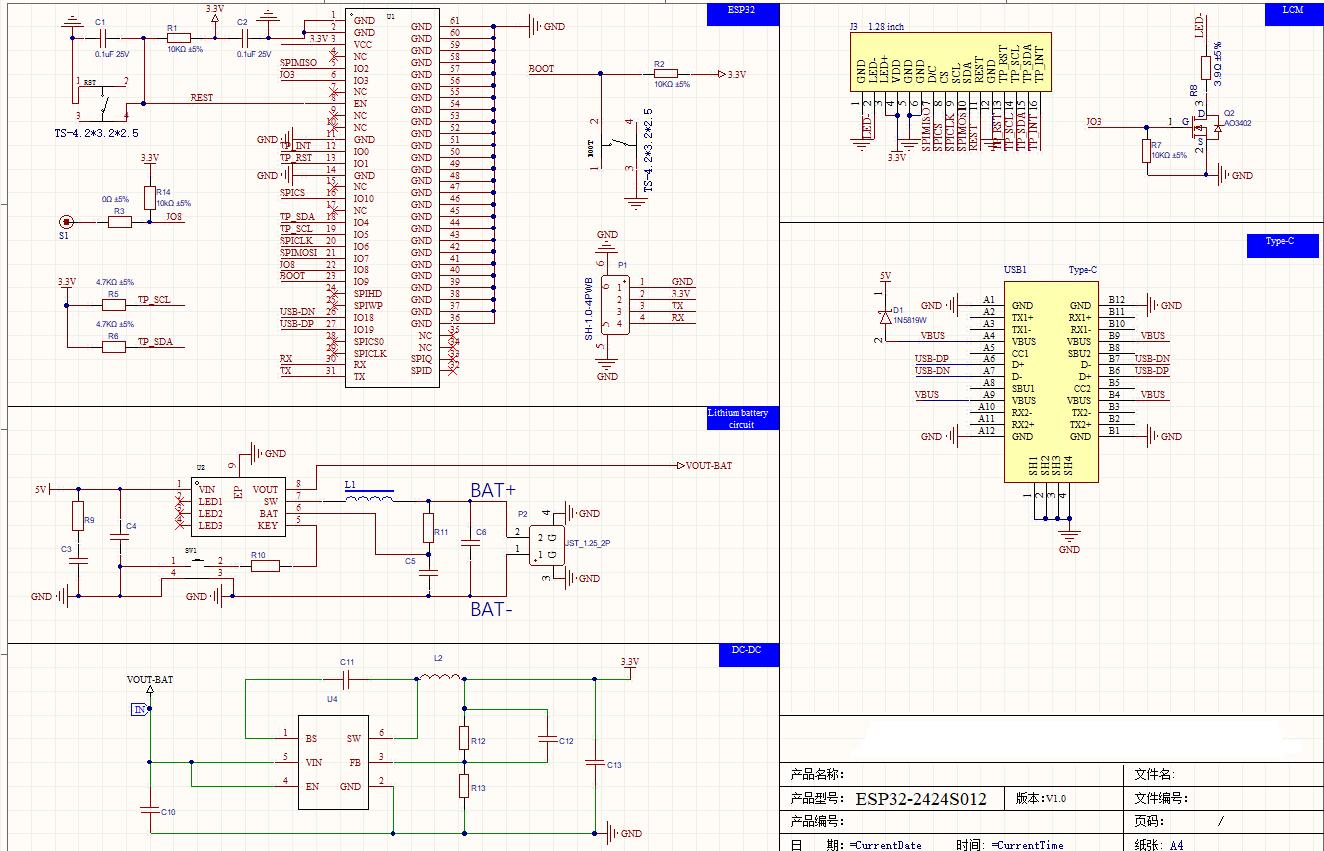
Schematic Diagram